Desktop · Guides
Give a session a goal
Type /goal, confirm the checks that prove it done, and let TALOS work turn after turn until they pass — or pause and say why.
Checked on Desktop 0.1.36
A newer version is out (Desktop 0.2.4): some details may differ.
A goal is a result TALOS keeps working toward on its own, turn after turn, until checks that you confirmed prove it is reached. Use it for work with a clear finish line: “the test suite passes”, “the retry delay is capped at one minute”.
Set a goal
Section titled “Set a goal”- In the composer, type
/goalfollowed by what must be true, and send it. The model can also propose a goal when you ask for one. - TALOS writes the checks that will prove it — a command that must succeed, a file that must be there — and shows them on a card: Confirm how TALOS will check the goal.
- Read them, then choose Start the goal. Nothing runs before you confirm.
While it works
Section titled “While it works”- After every turn the checks run in the session’s folder. A check that fails three times pauses the goal instead of looping; a check that cannot be verified does not use up a try.
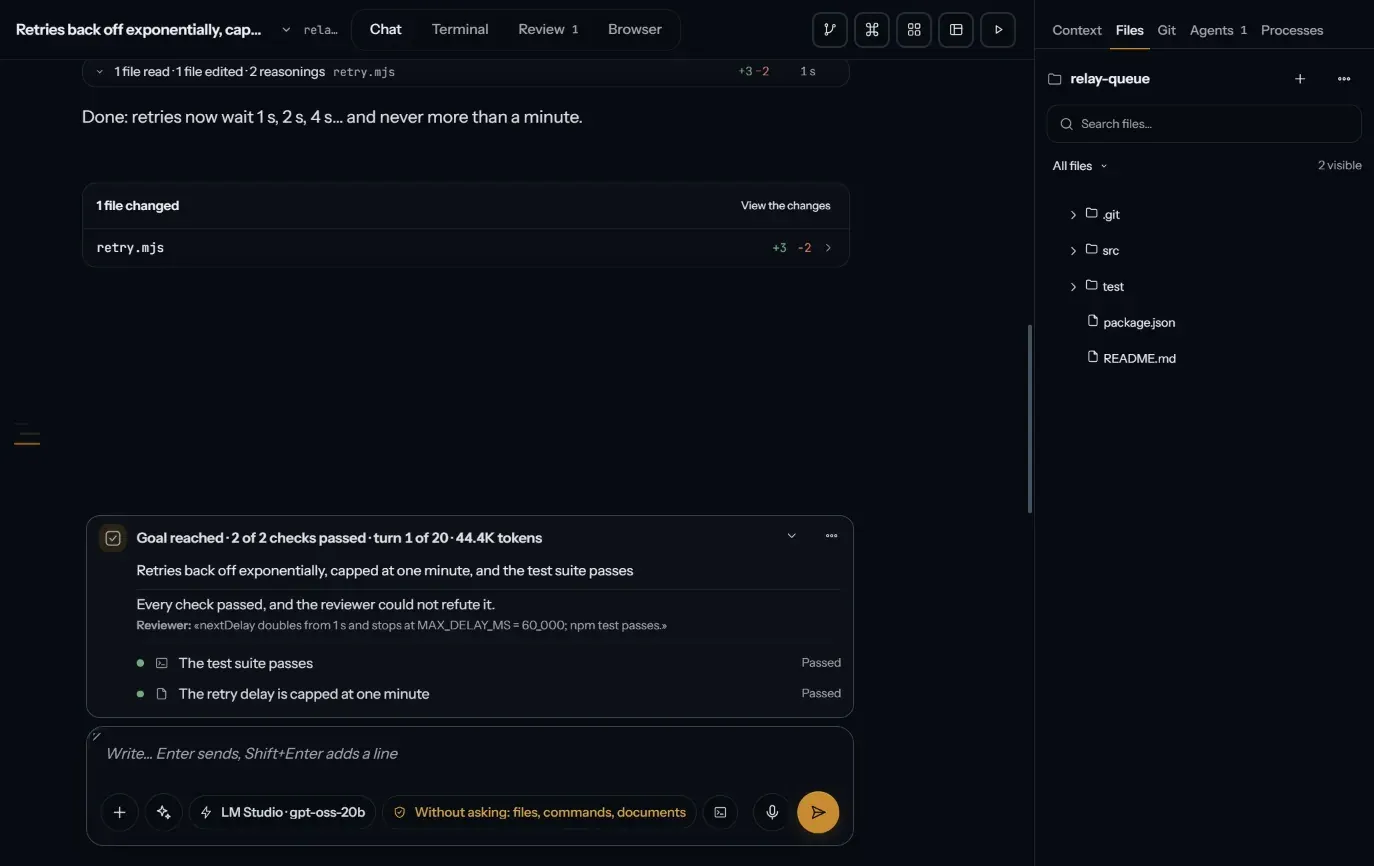
- “Done” has to be earned. A judge must point to a file that is there now, and a separate read-only reviewer tries to prove the goal is not complete. Refuted twice, the goal pauses and says why.
- The goal strip sits above the composer and folds to one line. It opens by itself only when the goal pauses or ends.
When it pauses
Section titled “When it pauses”Goal paused comes with its reason: no progress, a check that cannot be verified, an error, or you stopped it. Only you can resume a paused goal. A conversation nobody is watching — an automation — never gets a goal.