The Archive · Android
The assistant & phone control
“Hey TALOS”, what it can do on the phone and in other apps, the powers it asks for, and the memory you approve.
Checked on Android 0.1.38
A newer version is out (Android 0.1.40): some details may differ.
“Hey TALOS”
Section titled ““Hey TALOS””“Hey TALOS” uses a small wake-word model on the phone, with no cloud round trip. TALOS answers over whatever is on the screen, and shows what it did.
What it can do on the phone
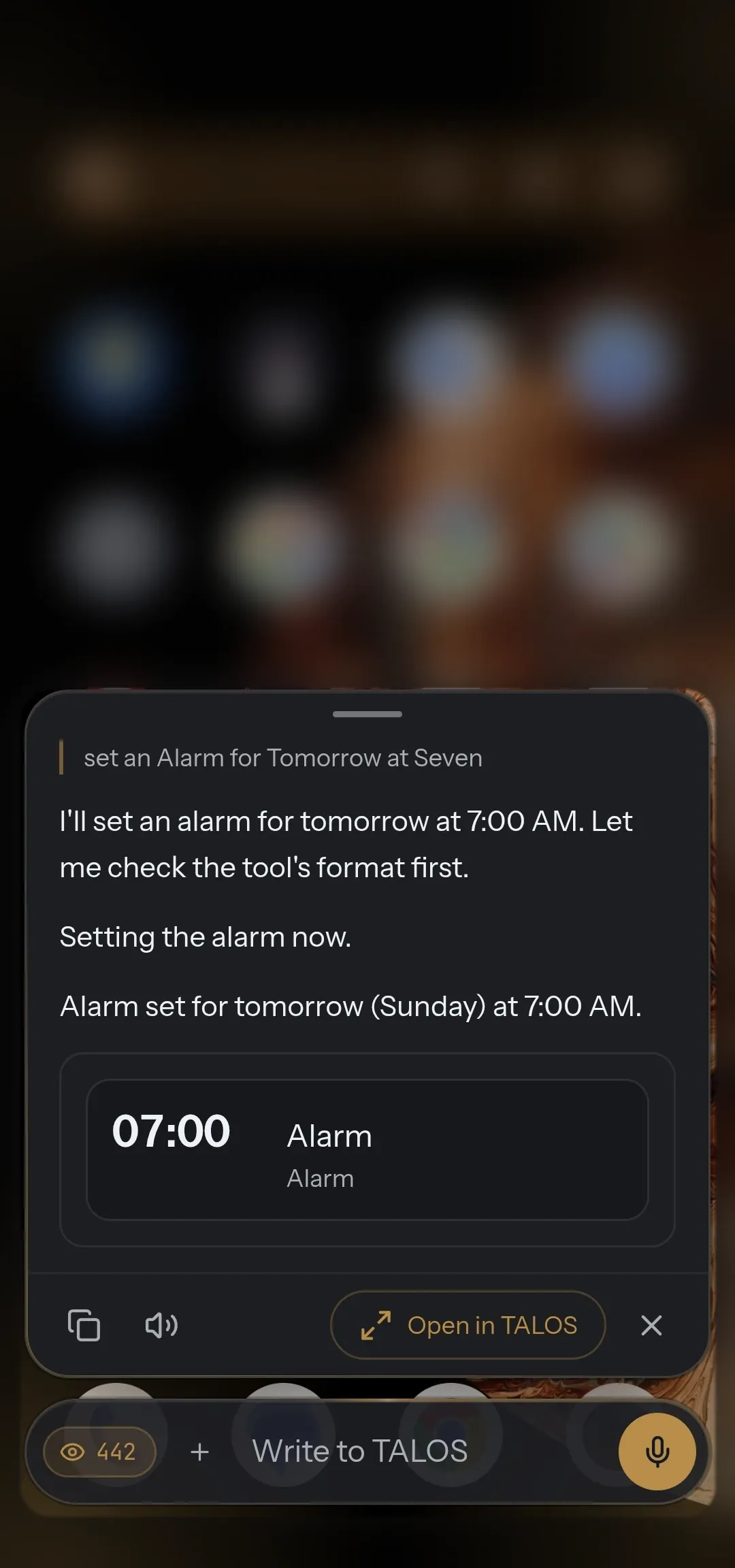
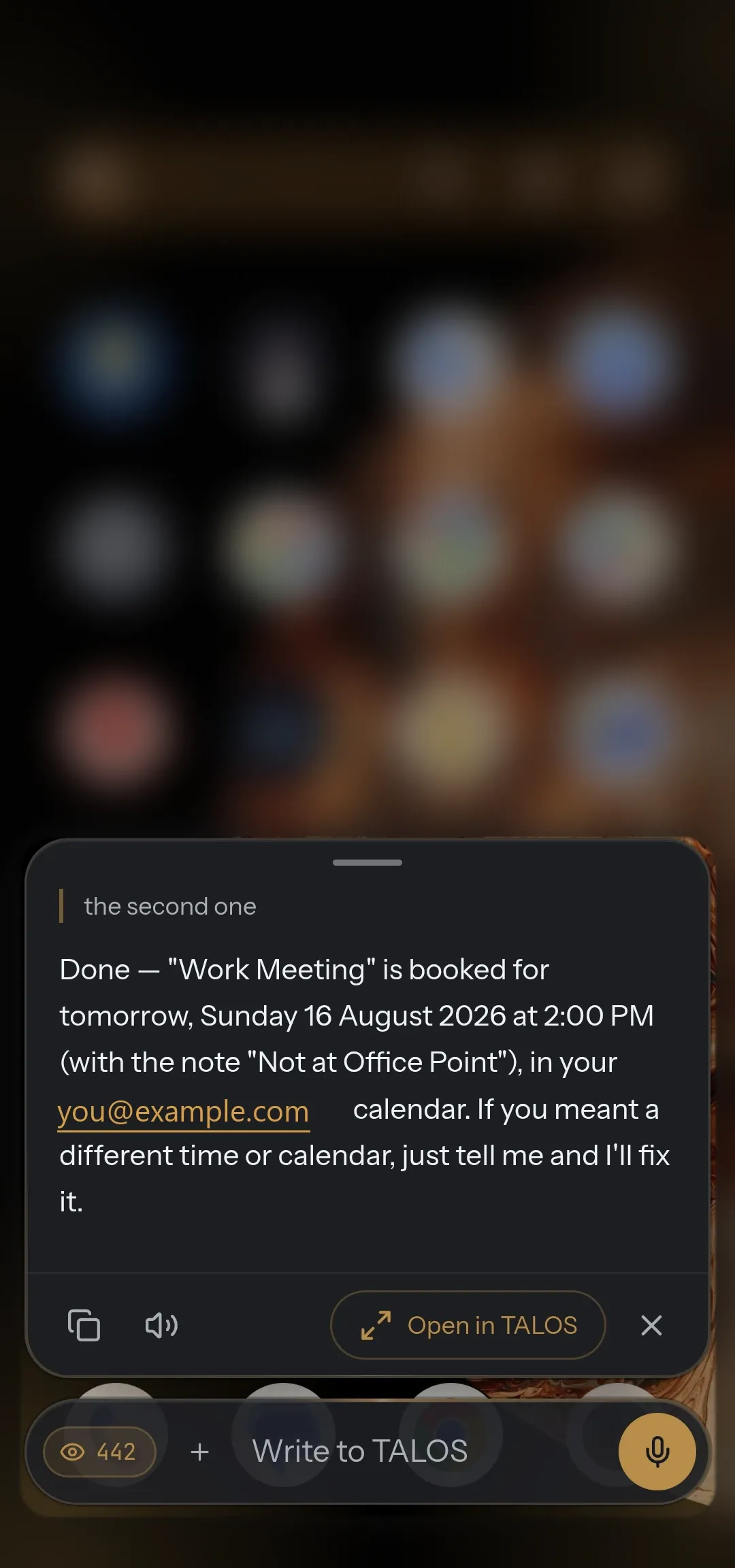
Section titled “What it can do on the phone”TALOS reads real device state and uses Android through typed tools, among them: status, location, torch, media, vibration, volume, alarms, opening apps, screenshots, settings, speech, wallpaper, Wi-Fi, Bluetooth, airplane mode, power saving, Do Not Disturb, notifications and calendar.
To act inside other apps, it reads the actionable structure of the screen through Accessibility. Some operations need an Android permission, Accessibility or the optional ADB bridge; what is available is checked at runtime, because device makers differ.
Every power asks
Section titled “Every power asks”Every capability uses the same three powers:
| Power | Meaning |
|---|---|
| read | Observe your data or the state of the device |
| write | Change local state or cause an action |
| outbound | Send data or an action outside the device |
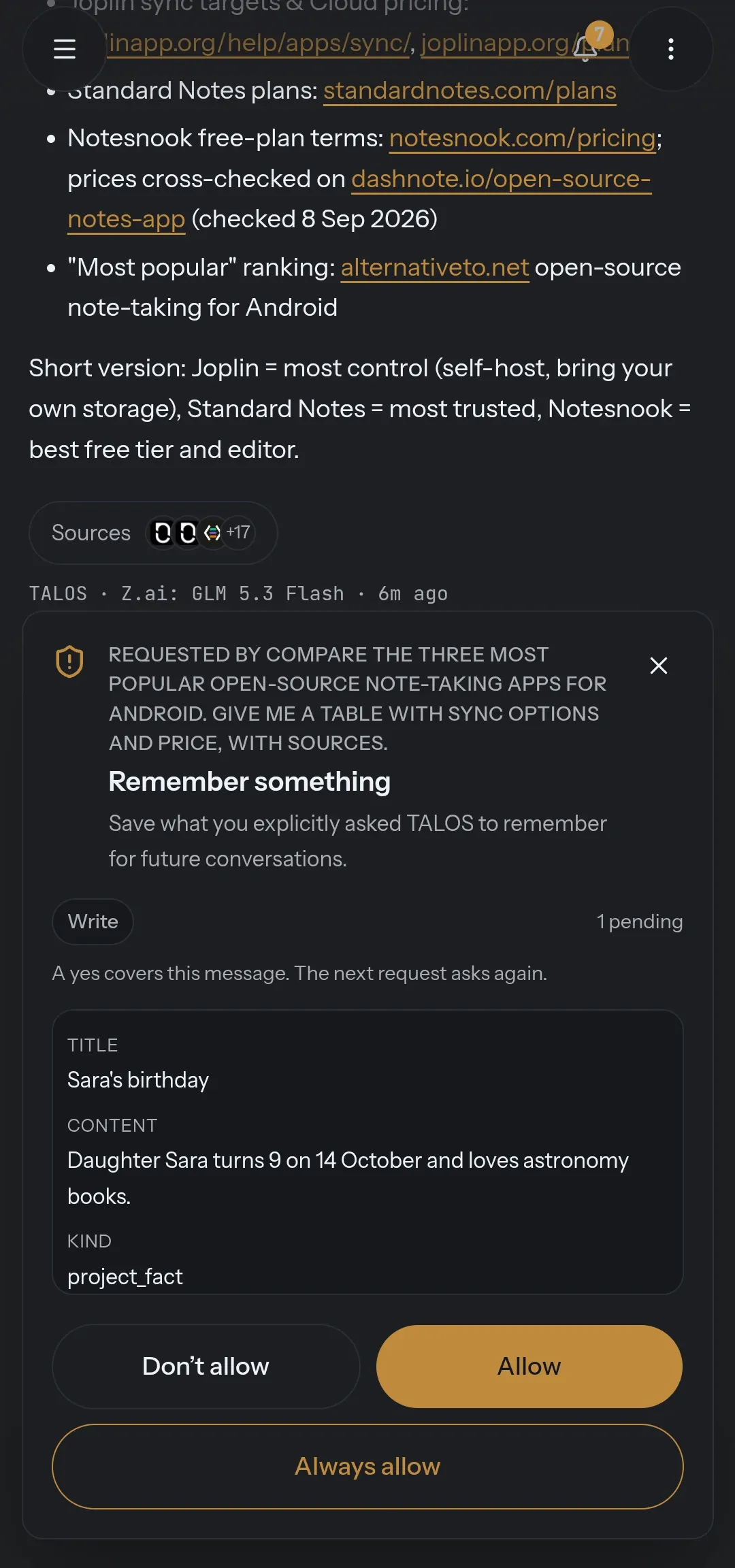
Each can be allowed, asked or denied; by default all three ask. Approval is bound to the exact, validated input of the tool: choosing a tool and being allowed to run it are separate decisions.
Success you can check
Section titled “Success you can check”Where the result of an action can be observed, TALOS checks it. A result is verified success, failed or unable to confirm. What the model says worked and what the phone shows worked are kept apart — and after a timeout TALOS looks at the state instead of blindly trying again.
Memory you approve
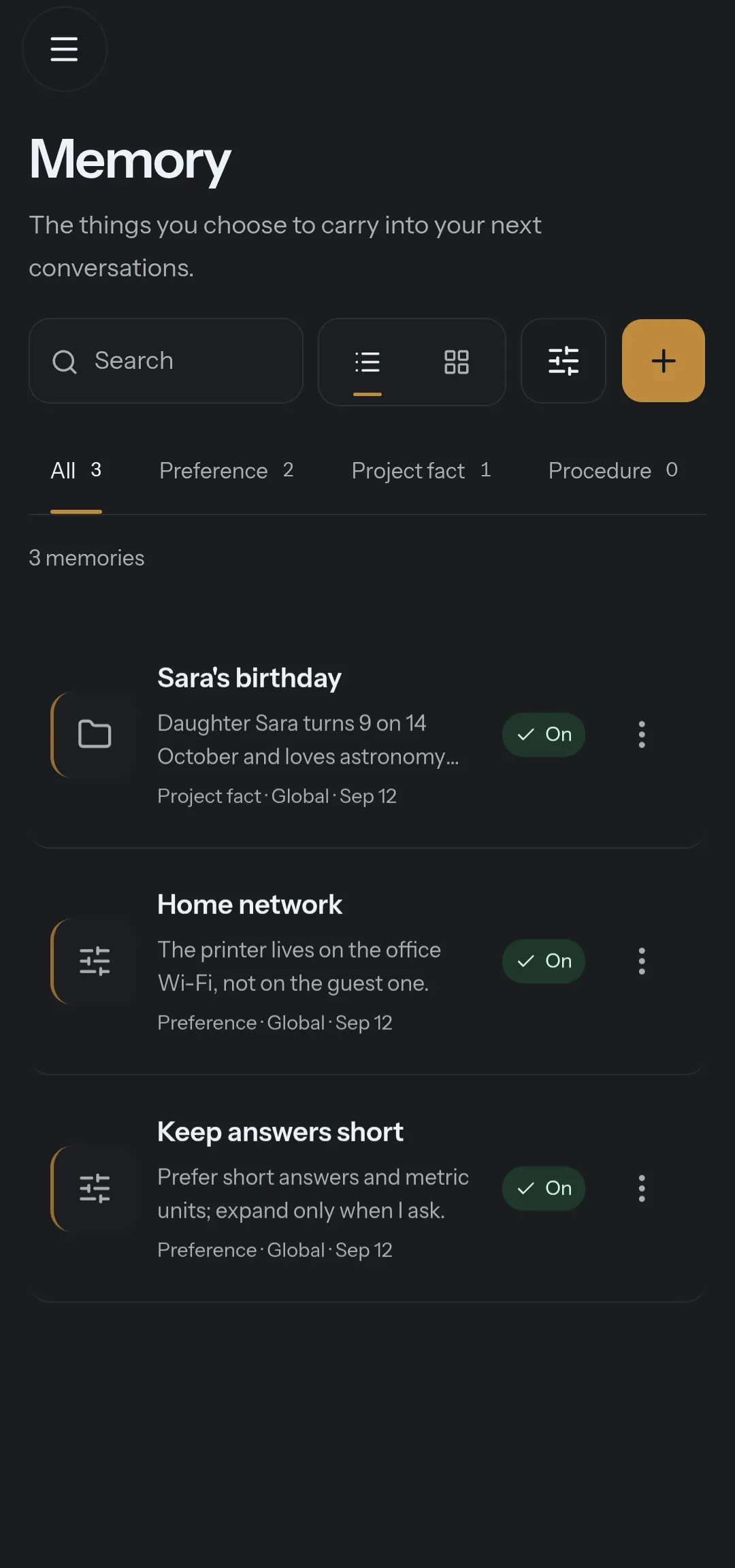
Section titled “Memory you approve”Memory is typed — a preference, a project fact, a procedure — and every write is a request you approve: don’t allow, allow, or always allow. Each memory can be switched off. Stored memories are context, not authority: they cannot override the security policy.
Your own voice
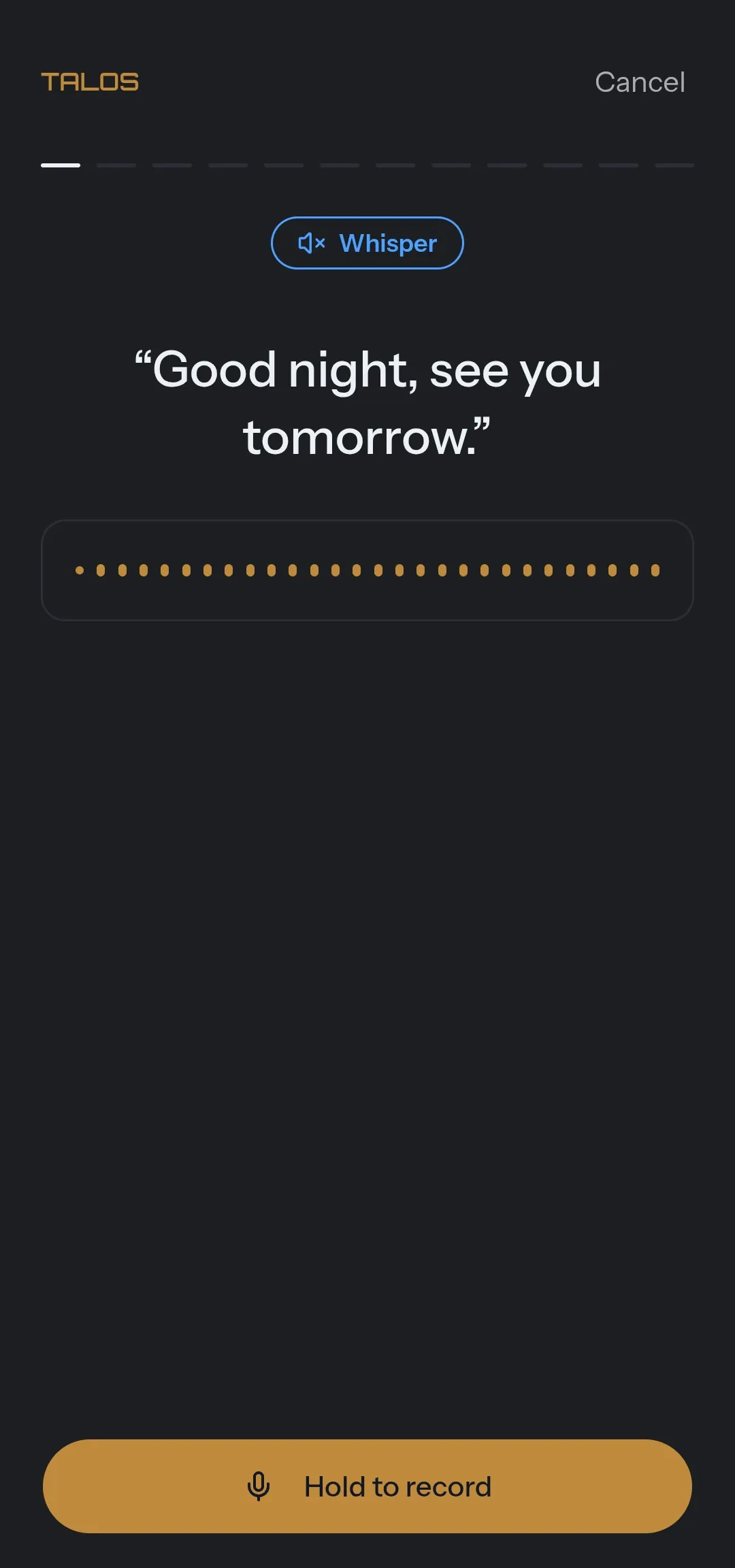
Section titled “Your own voice”Dictation, and replies read back in your own trained voice: read a few sentences aloud to train it.
Codice, the coding agent
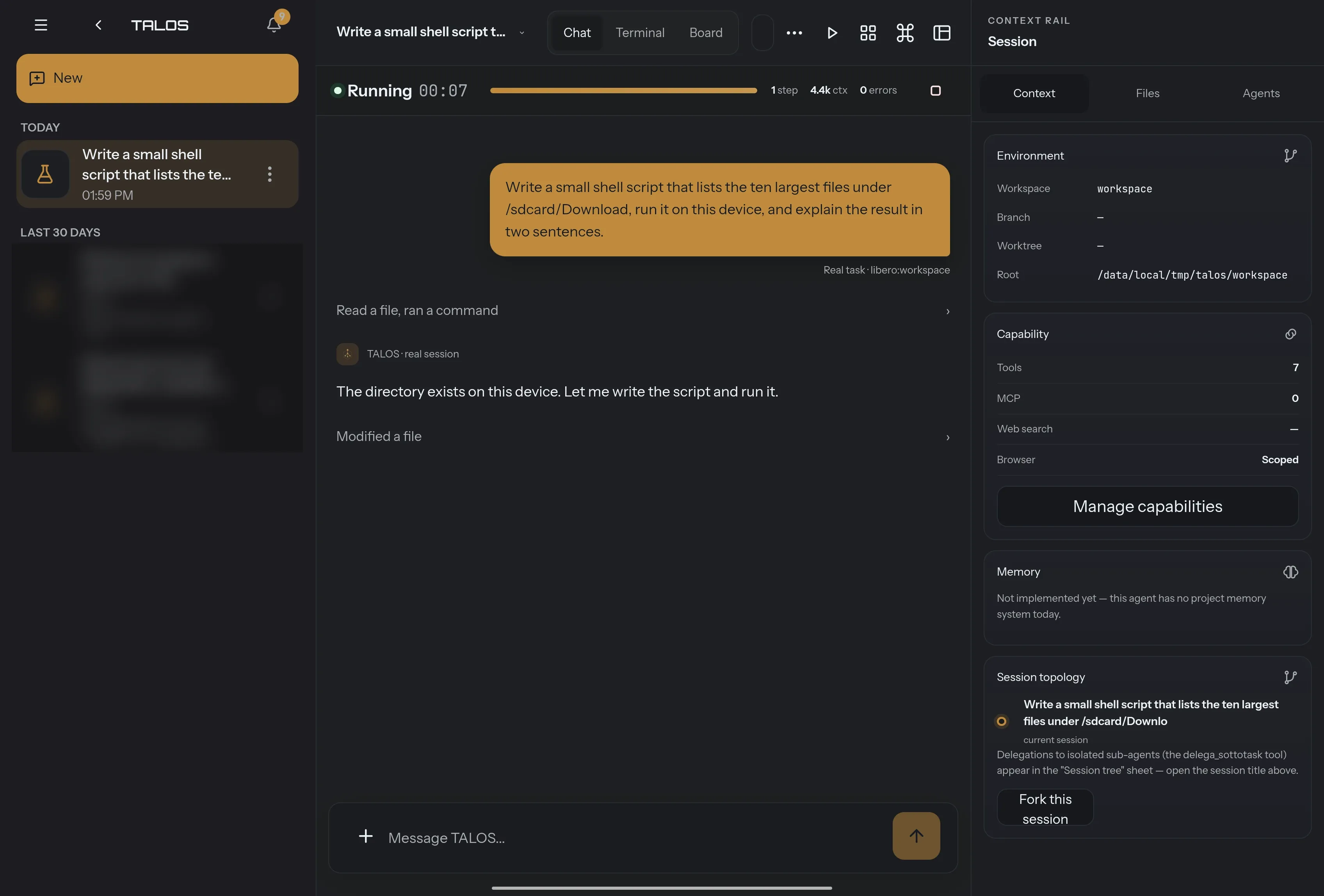
Section titled “Codice, the coding agent”Codice runs on the phone: sessions open on the device, commands run in a sandboxed terminal on the device, and the files it reads and writes are the phone’s. No computer has to be awake. Each tool is approved on its own, and a session survives closing the app.
A model running on the phone cannot drive a Codice session yet; cloud providers can.