The WatchtowerFor this device
Let TALOS take control.


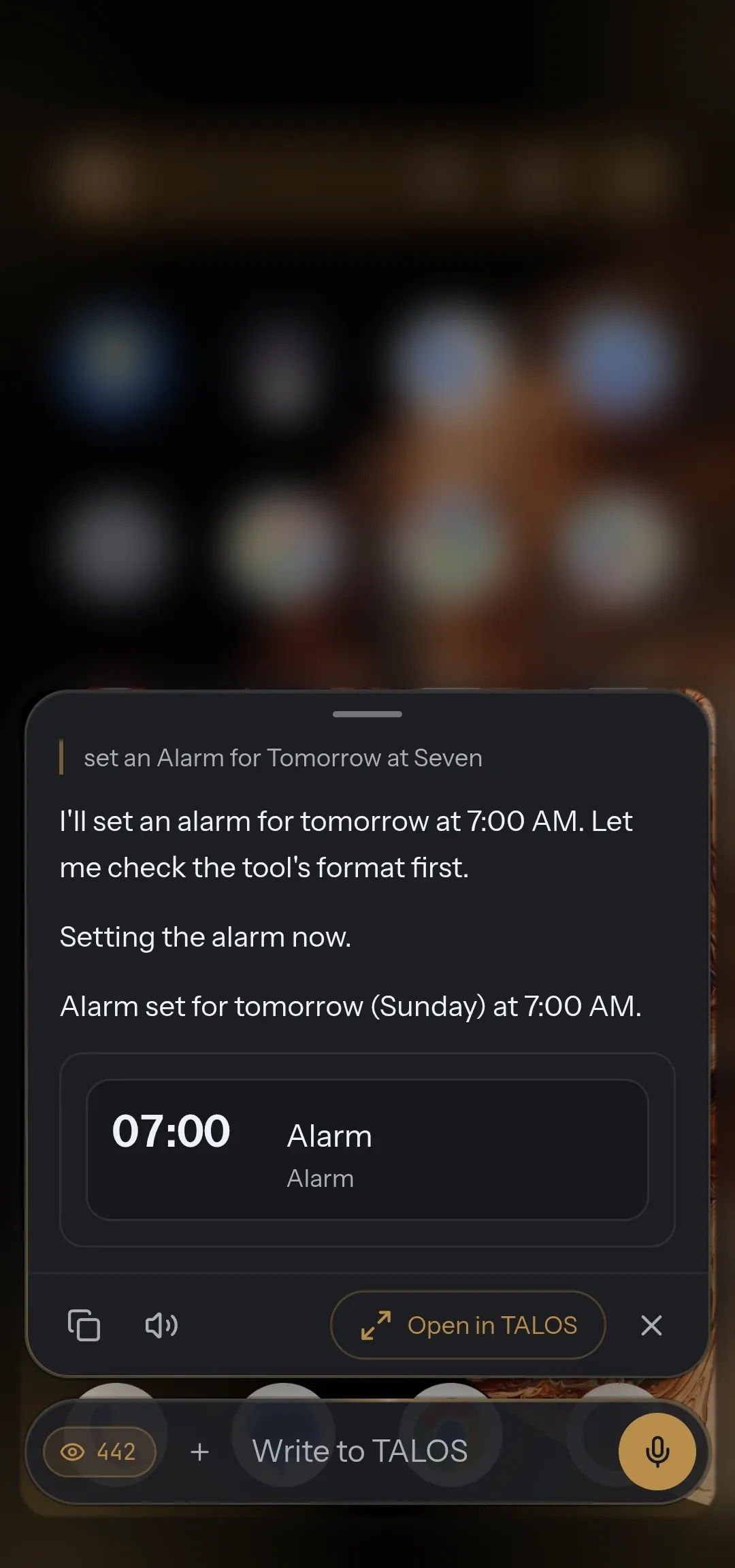
- Alarms
- Torch
- Wi-Fi
- Bluetooth
- Do Not Disturb
- Apps
- Media
- Notifications
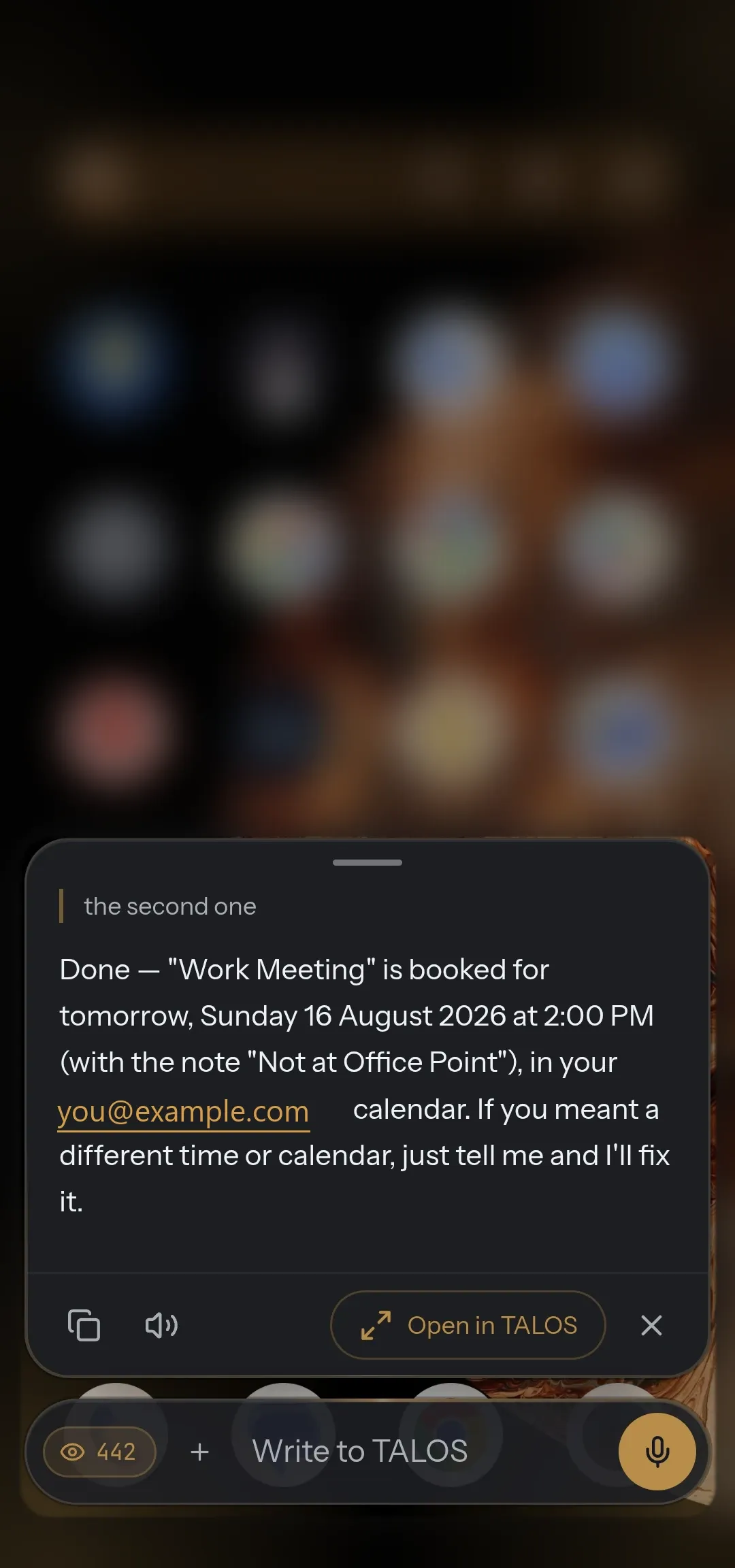
- Calendar
- Screenshots
- Volume
- Other apps
“Hey TALOS”
Your AI. Your phone. Your models. Your rules. Say “Hey TALOS” and it acts for you, across the phone.
- 01
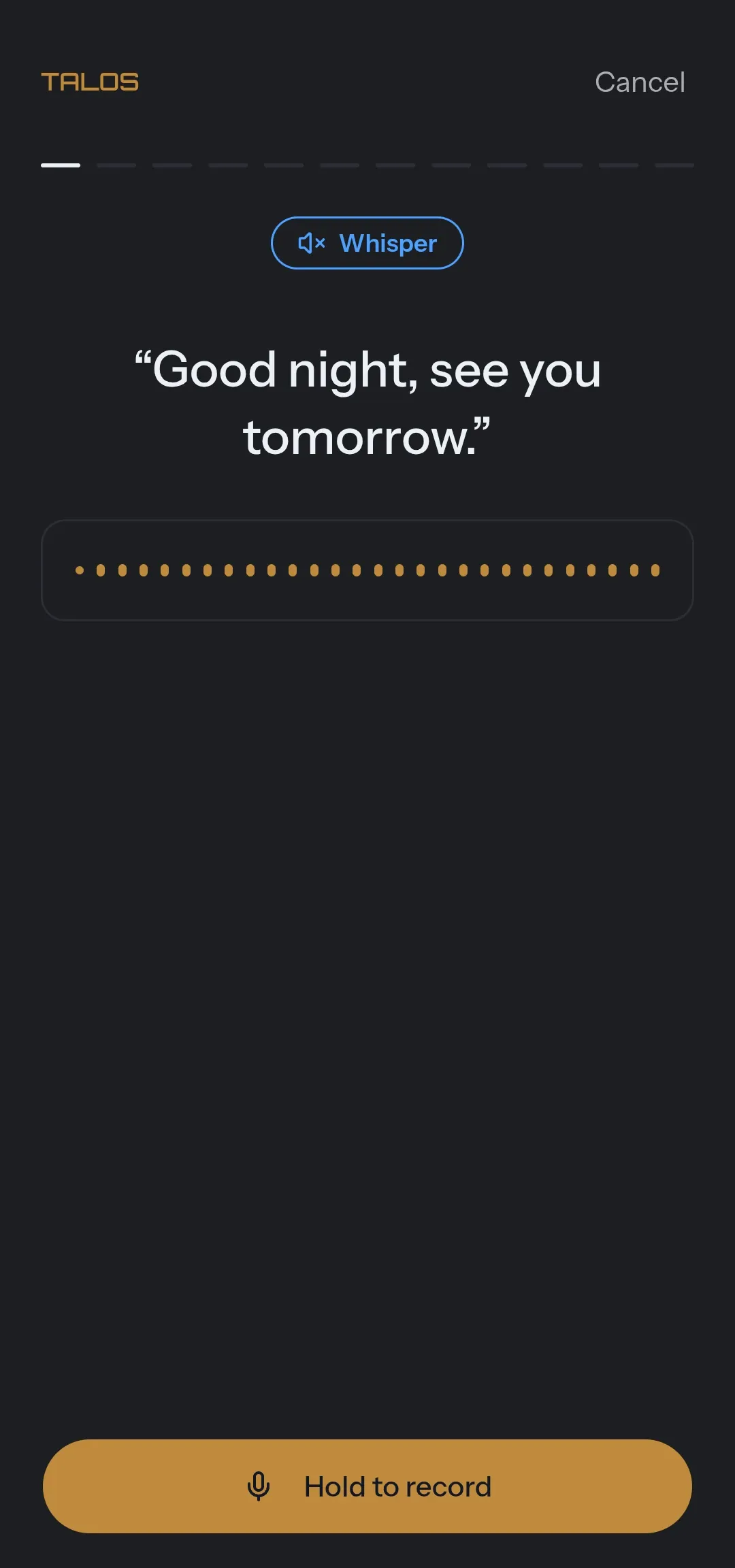
“Hey TALOS” A local wake word, dictation, and replies read back in your own trained voice.
- 02
Sees your screen It reads what is on the screen and acts inside other apps, through Accessibility.
- 03
Runs the phone Alarms, settings, apps, media, Wi-Fi, notifications — each one a typed tool — and an optional ADB bridge for system operations ordinary apps cannot perform.
- 04
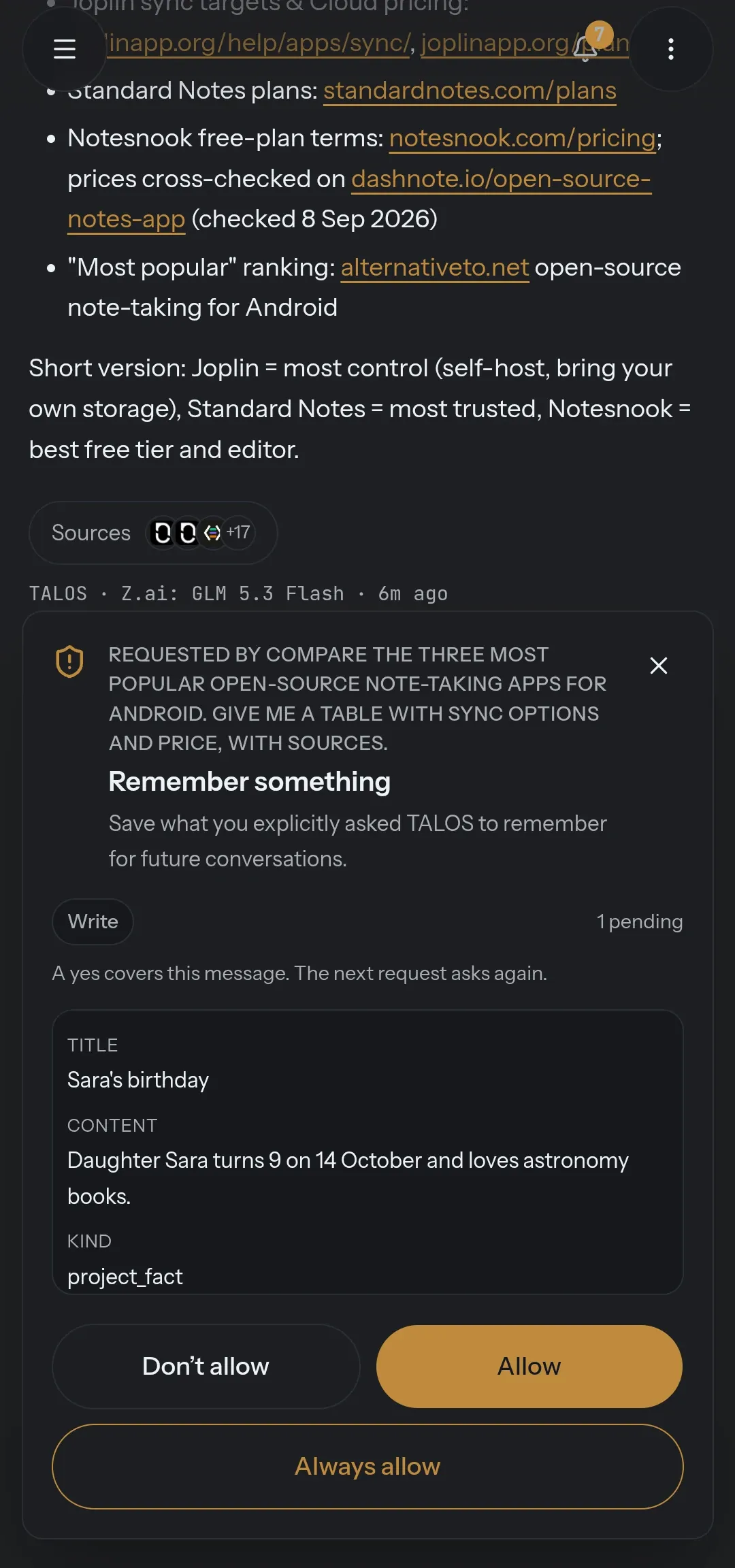
Asks first Every action is a read, a write or an outbound call — and each is allowed, asked or denied.
- 05
Checks the result Where the outcome can be observed, success is what the phone shows, not what the model says.
- 06
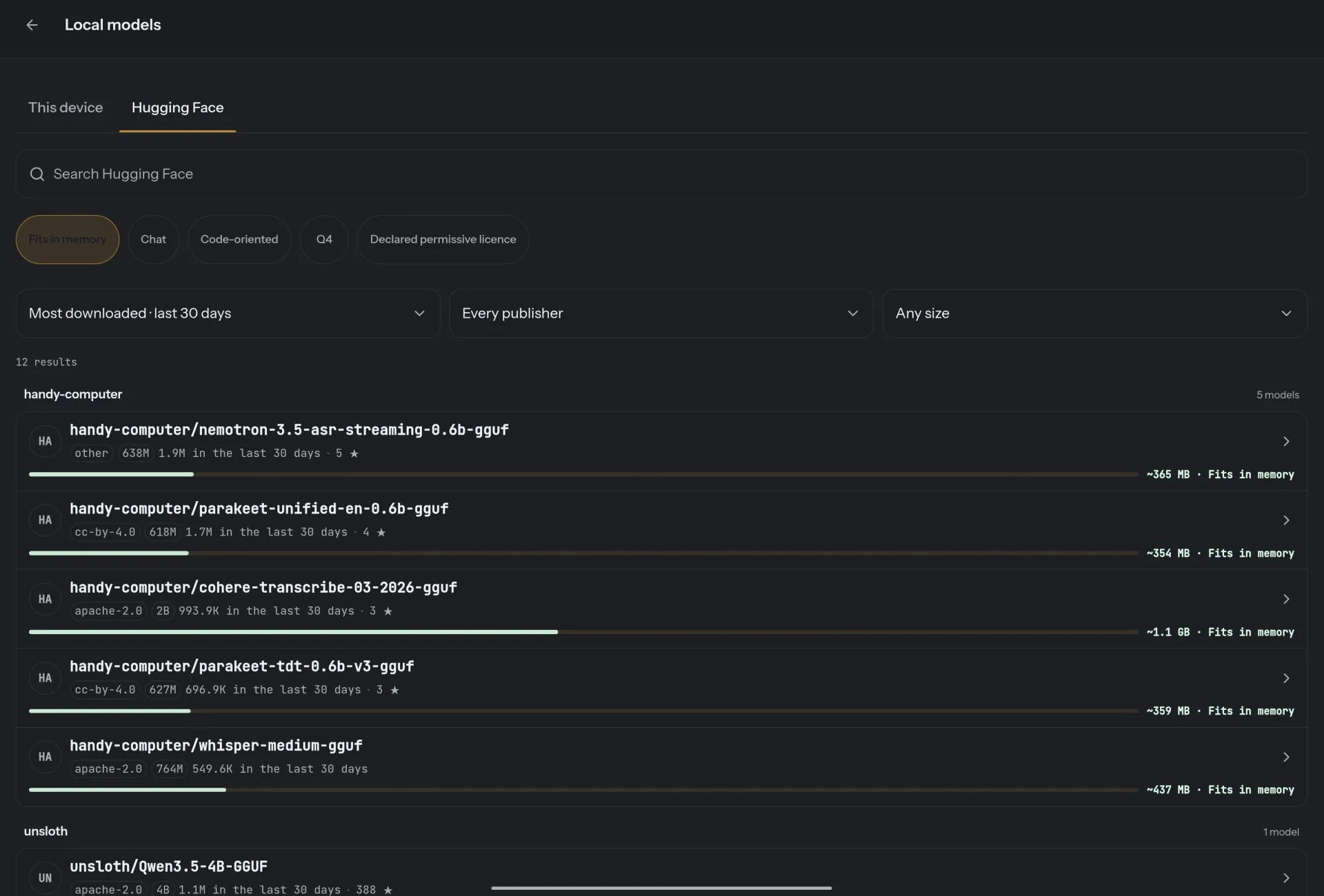
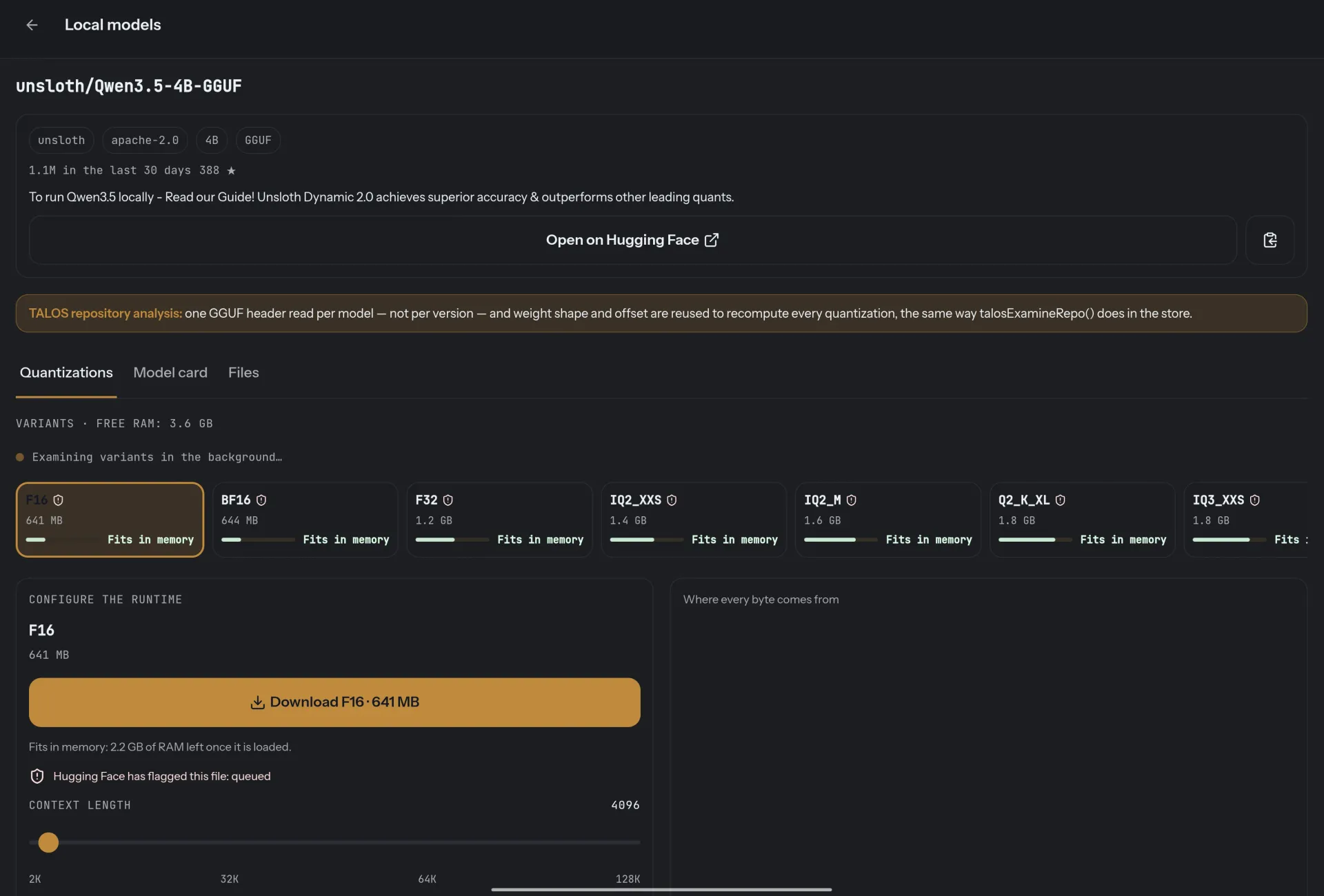
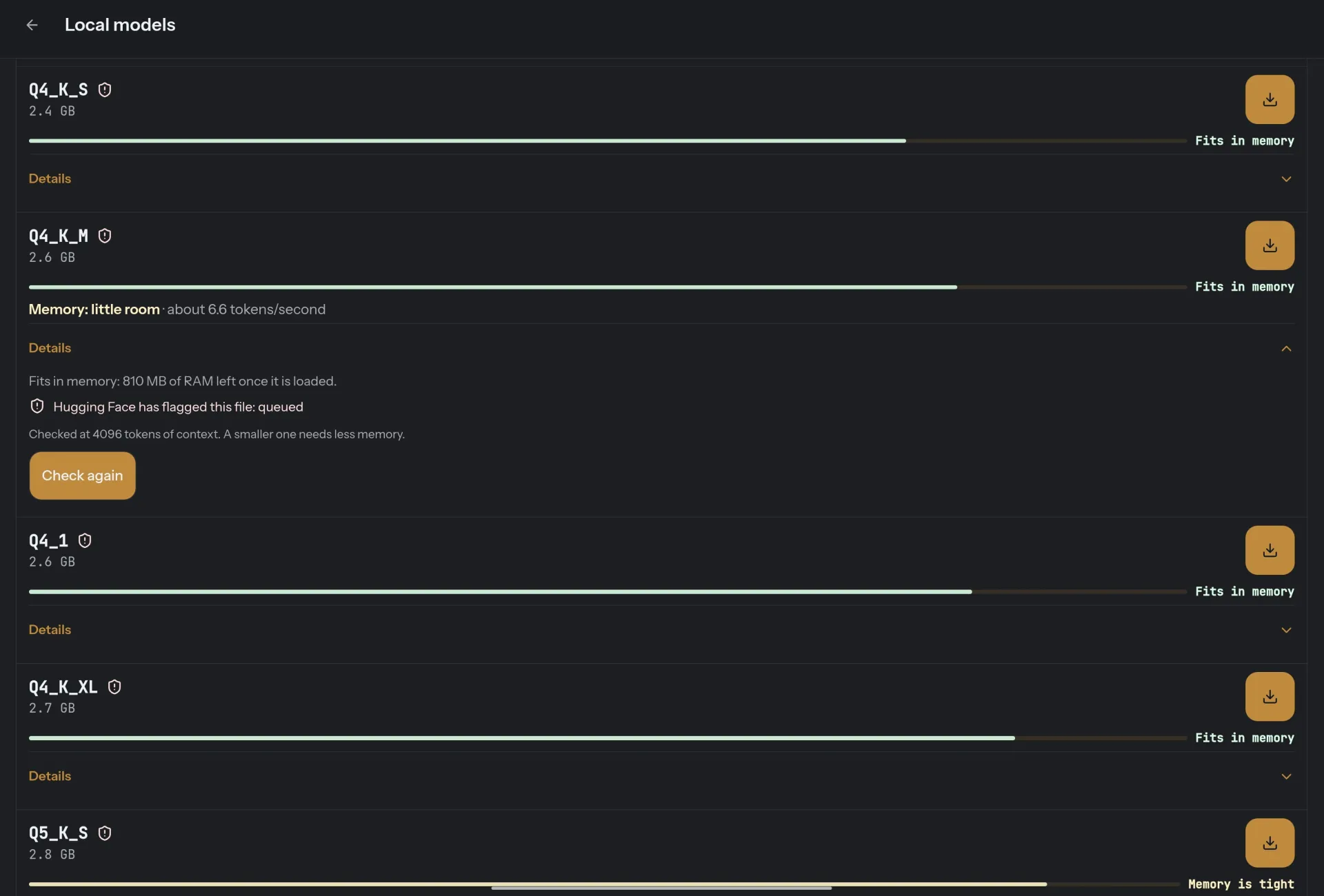
Local models GGUF models run on the phone through llama.cpp, checked against your memory before you download them.
- Released
- Oct 2, 2026
- Runs on
- Android 8.0 or later (API 26)
- File
- TALOS-0.1.40.apk · 76 MB
The Procession
On the phone, and the tablet.
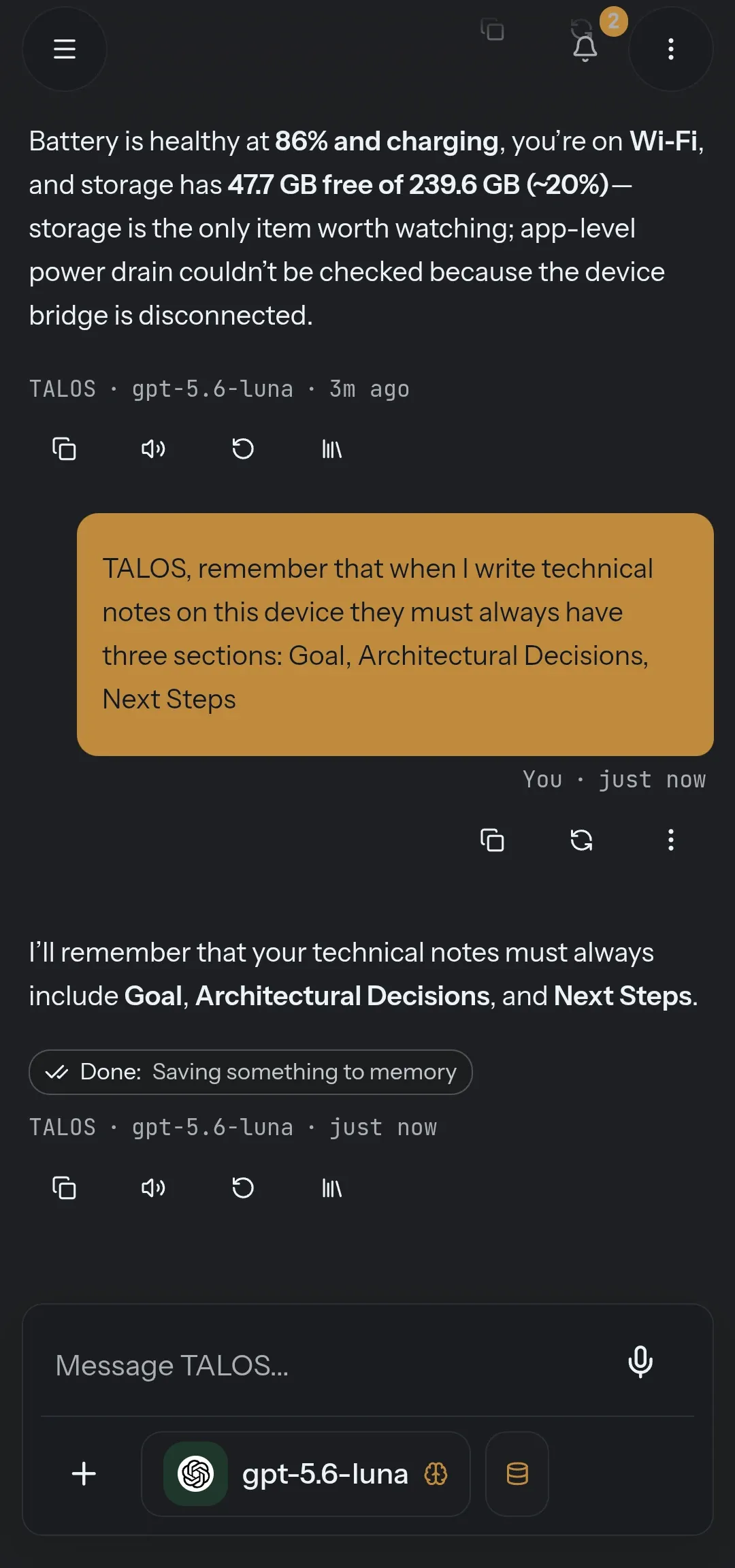
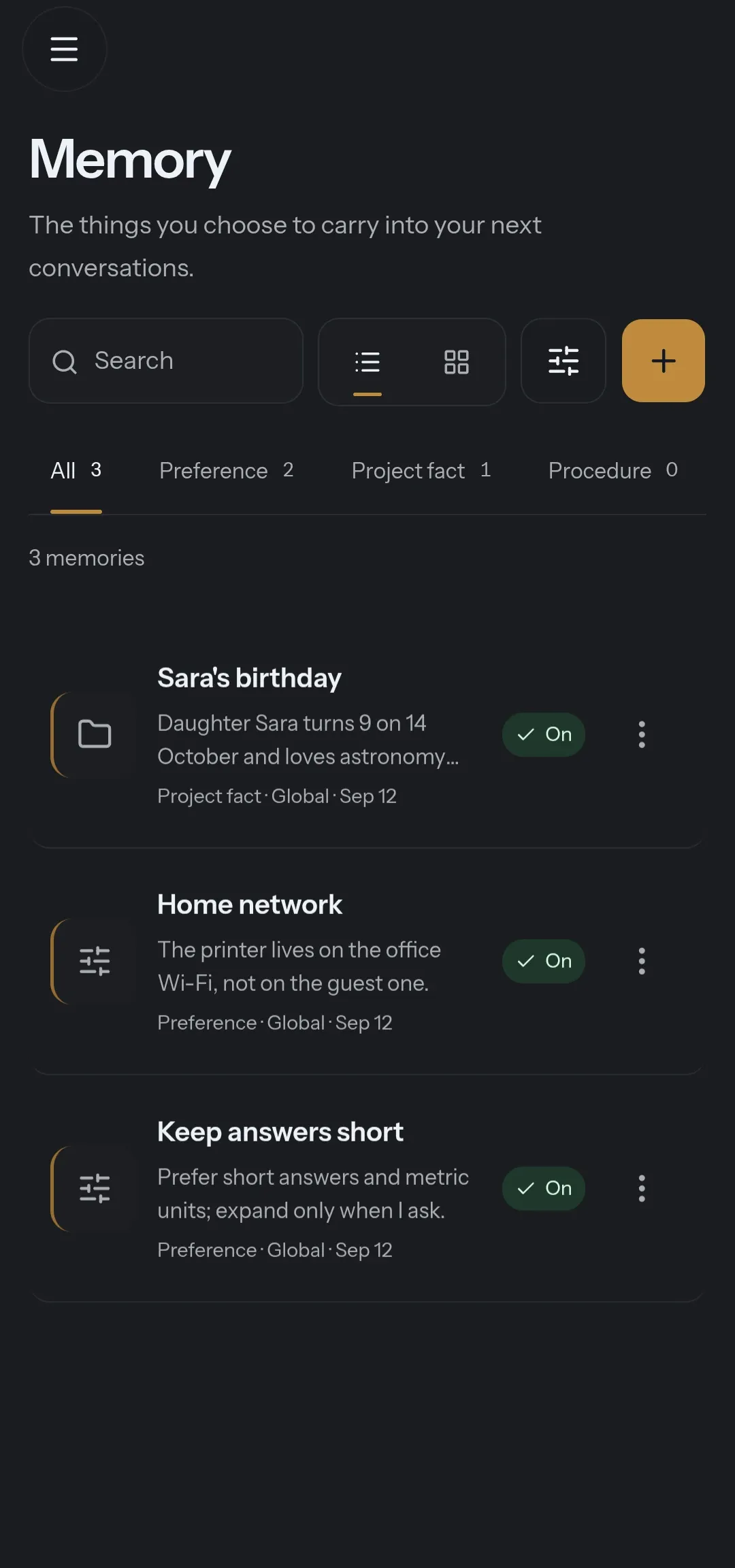
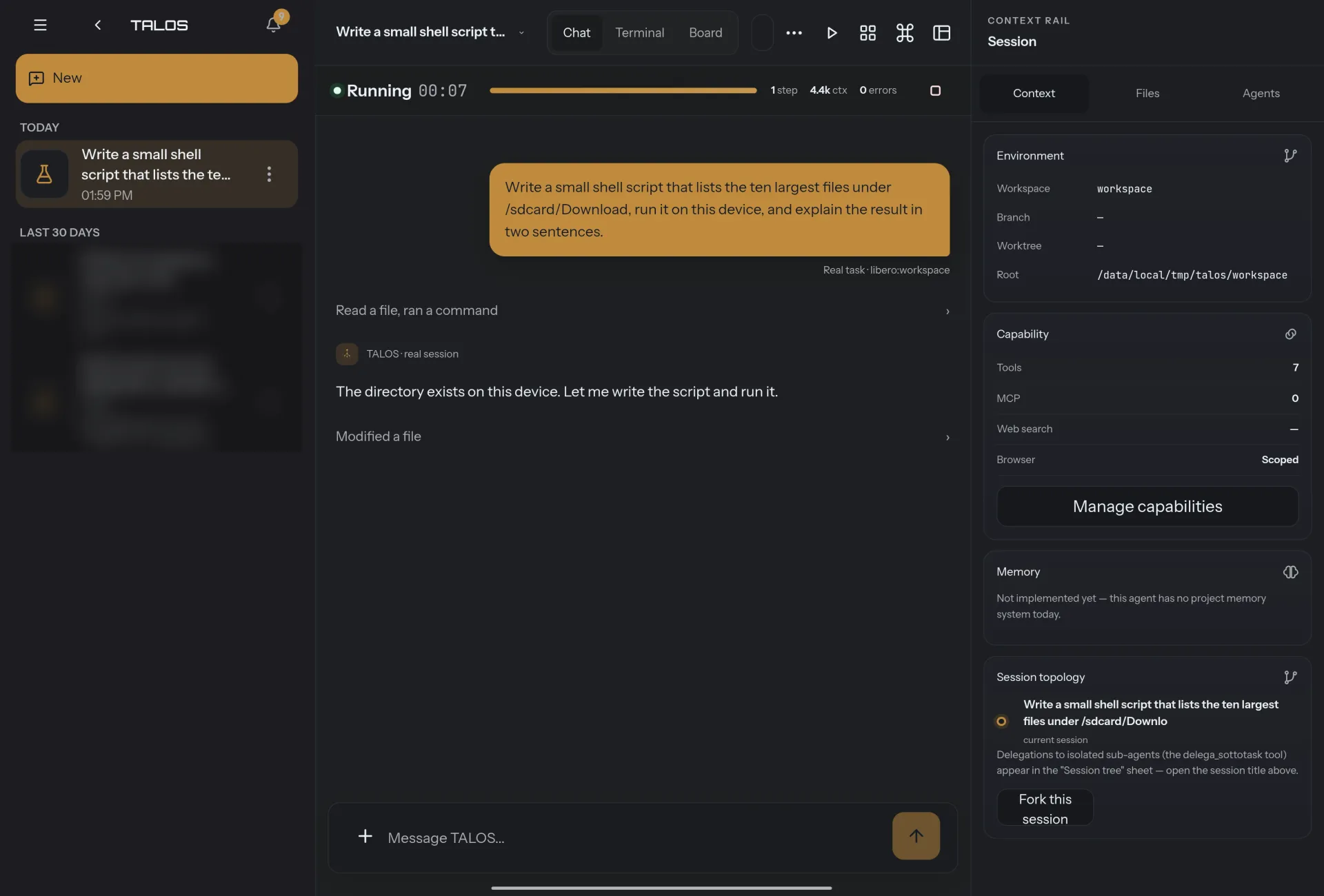
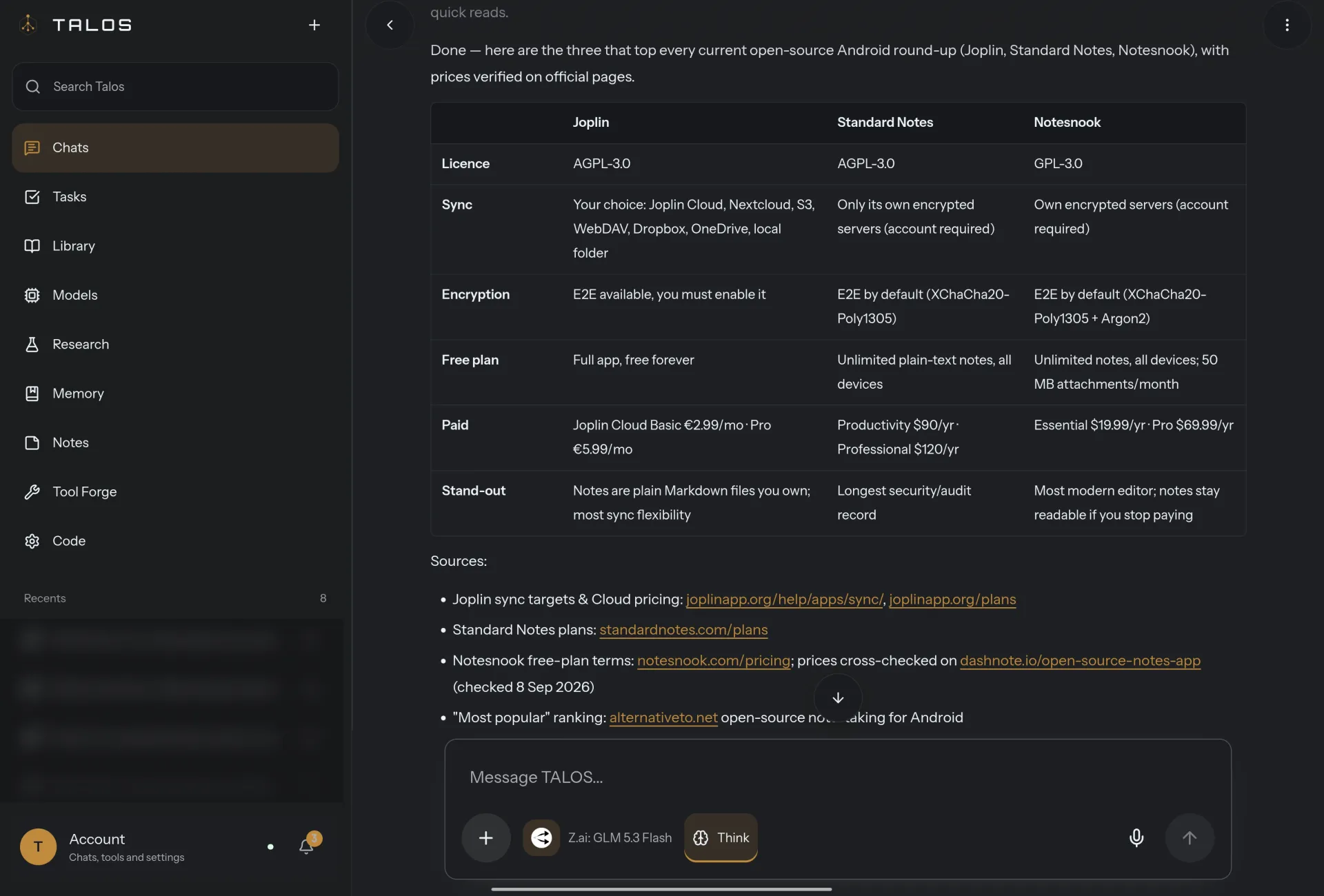
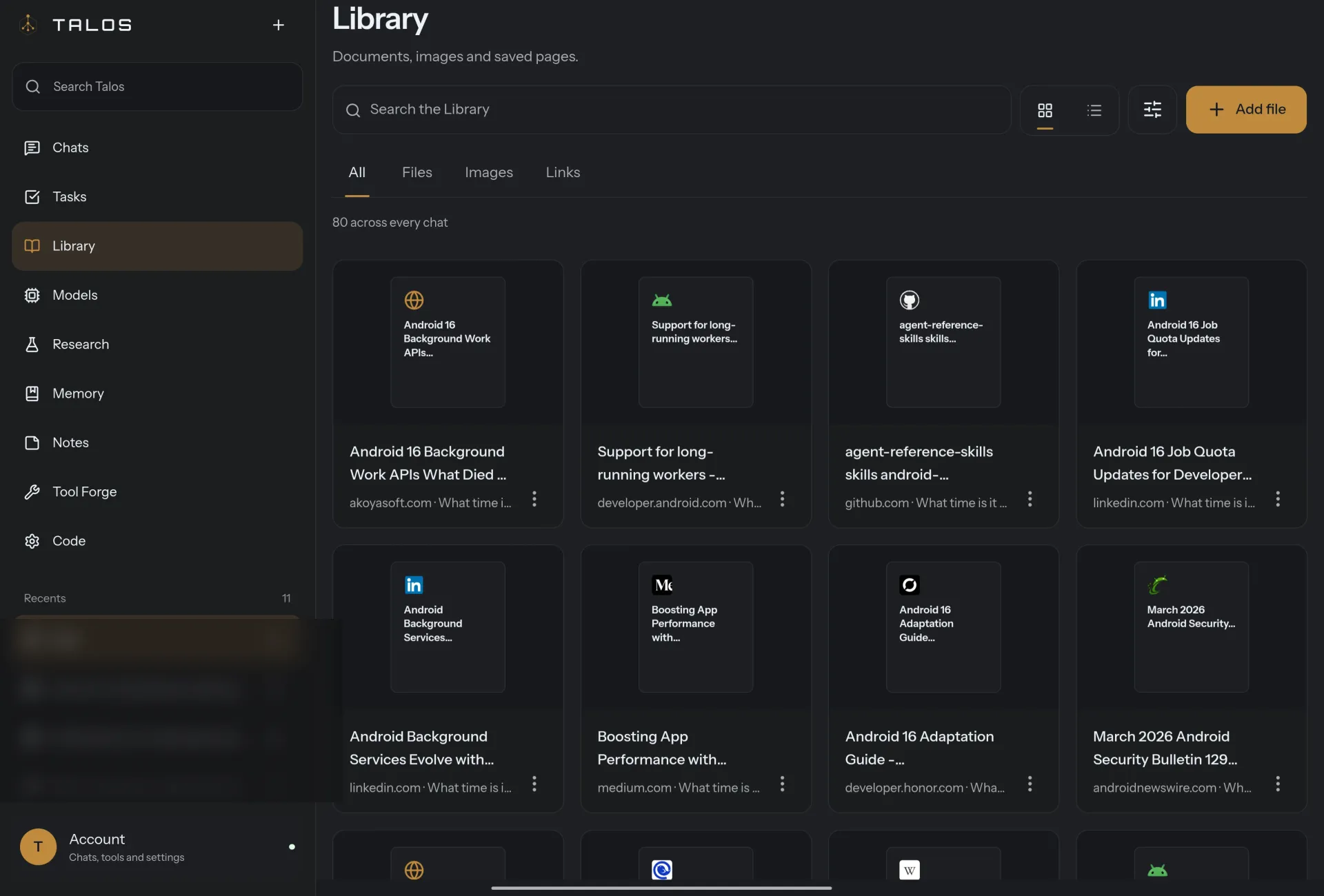
Twelve screens from the testing build, with demo data. Open any of them at full size.
The Craft
How the watch is kept.
It hears you on the phone, asks before every power it uses, and checks what really happened.
-
It hears you, on the phone.
“Hey TALOS” runs on a small wake-word model on the device, with no cloud round trip. To act in other apps, TALOS reads the structure of the screen through Accessibility.
-
Every power asks.
Reading, changing and sending outside the phone are separate powers, each allowed, asked or denied — all ask by default. Approval is bound to the exact input of the tool.
-
Success is observed, not claimed.
Where the result can be seen, TALOS checks it: verified success, failed, or unable to confirm. What the model says worked and what the phone shows worked are kept apart.
The Foundation
What it stands on.
What it needs, what uses the network, and where your data lives.
- Runs on
- Android 8.0 or later (API 26), 64-bit ARM (arm64-v8a). Validated on a OnePlus phone and tablet.
- Install
- A signed APK from the TALOS releases on GitHub, not the Play Store.
- Models
- GGUF models on the device through llama.cpp, checked against its memory before you download; or OpenAI, Anthropic, Gemini, DeepSeek and OpenRouter with your key, or your own Ollama endpoint.
- Permissions
- Asked only when a feature needs them: microphone, Accessibility, location, contacts, calendar, camera, notifications; an optional ADB bridge.
- Your data
- There is no TALOS backend: conversations, Library, memory and settings stay on the phone. Cloud traffic goes straight to the provider you set.
- Status
- Testing build: behavior still varies with the device maker’s Android.
The Oracle
Asked, and answered.
Questions about using it. For installing and checking the files, see Download.
Why isn’t it on the Play Store?
TALOS for Android is published as a signed APK on GitHub. Android asks you to confirm an install from an unknown source; check the file’s SHA-256 first.
Does it work without internet?
With a local model, yes: inference, the wake word and your data stay on the phone.
Can it really act in other apps?
Yes, through Accessibility, where the phone allows it. Android makers differ, so TALOS checks what is available at runtime instead of assuming.
Does Codice, the coding agent, need a computer?
No. Sessions open on the phone and commands run in a sandboxed terminal on the device. A model running on the phone cannot drive Codice yet; cloud providers can.
Is my memory safe?
Memory is typed, and every write is a request you approve. Stored memories are context, not authority: they cannot override the security policy.
The Kin