Public release · v0.2.4 For this device
TALOS Desktop
The full workshop.
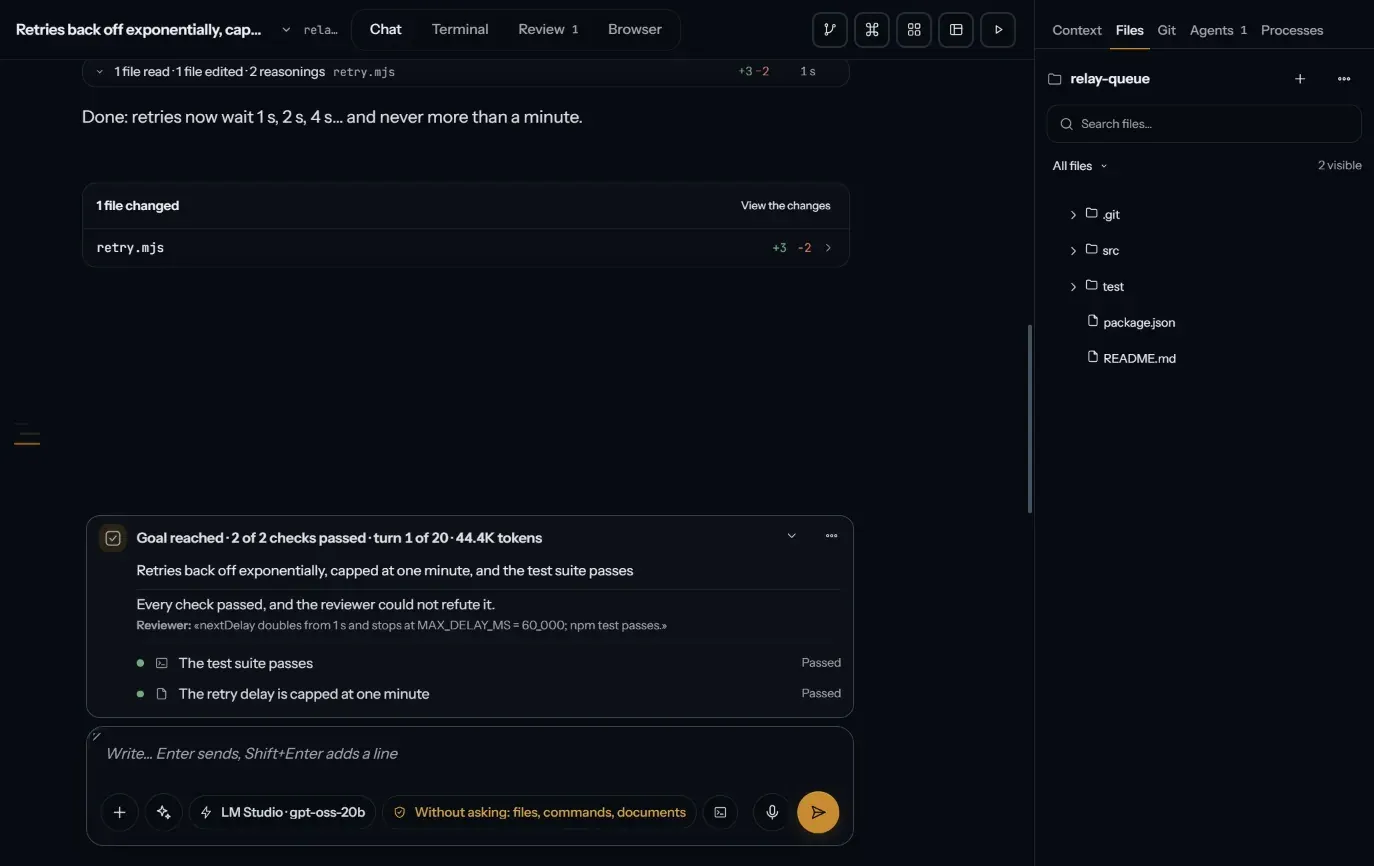
Everything a developer needs — and a researcher: agents as a graph, context handled for you, memory, deep research and local models, on Windows.
Products
On Windows, in the terminal and on your Android device: the same way of working, on the model you choose.
Public release · v0.2.4 For this device
The full workshop.
Everything a developer needs — and a researcher: agents as a graph, context handled for you, memory, deep research and local models, on Windows.
npm · v0.6.18 For this device
Fast. Lean. Just code.
A coding agent in your terminal, on the model you choose: every tool asks first, every change can be undone, every session can be resumed.
Testing build · v0.1.46 For this device
An assistant that acts across your device.
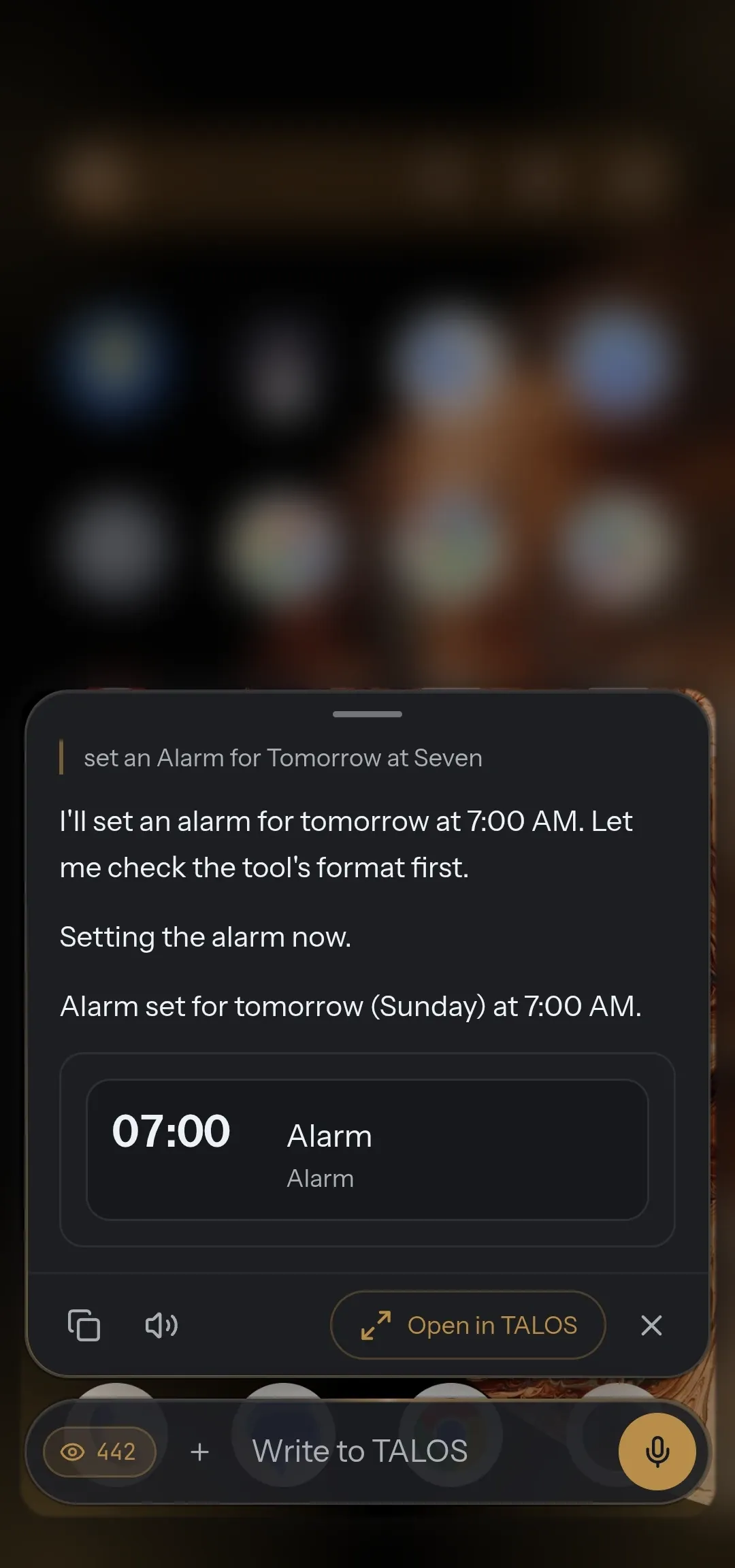
Say “Hey TALOS”: it sees what is on the screen and acts across your device, with a model on the device or the cloud model you choose.
01Side by side
From each app's README and release. Versions and requirements are read at every build.
| TALOS Desktop | TALOS CLI | TALOS for Android | |
|---|---|---|---|
| Platform | Windows 10 1809 or later, x64, or Windows 11 x64 | Node.js 24 (24.18 or later in the 24 line). Tested on Windows 11 x64 | Android 8.0 or later (API 26), 64-bit ARM |
| Status & version | Public release · v0.2.4 | npm · v0.6.18 | Testing build · v0.1.46 |
| Install | Installer or portable ZIP. No administrator rights | npm i -g talos-code, then talos | APK from the TALOS releases on GitHub |
| Local models | llama.cpp engine included, CPU and Vulkan; GGUF models downloaded in the app, checksum verified; Ollama and LM Studio too | Ollama, LM Studio and llama.cpp, with no key | GGUF models through llama.cpp on the device; Hugging Face browsing with a fits-in-memory check |
| Cloud providers | 23 providers, from OpenAI and Anthropic to Bedrock and Vertex AI, with your own key | 22 providers, from OpenAI and Anthropic to Bedrock and Vertex AI | OpenAI, Anthropic, Gemini, DeepSeek, OpenRouter, and Ollama by endpoint |
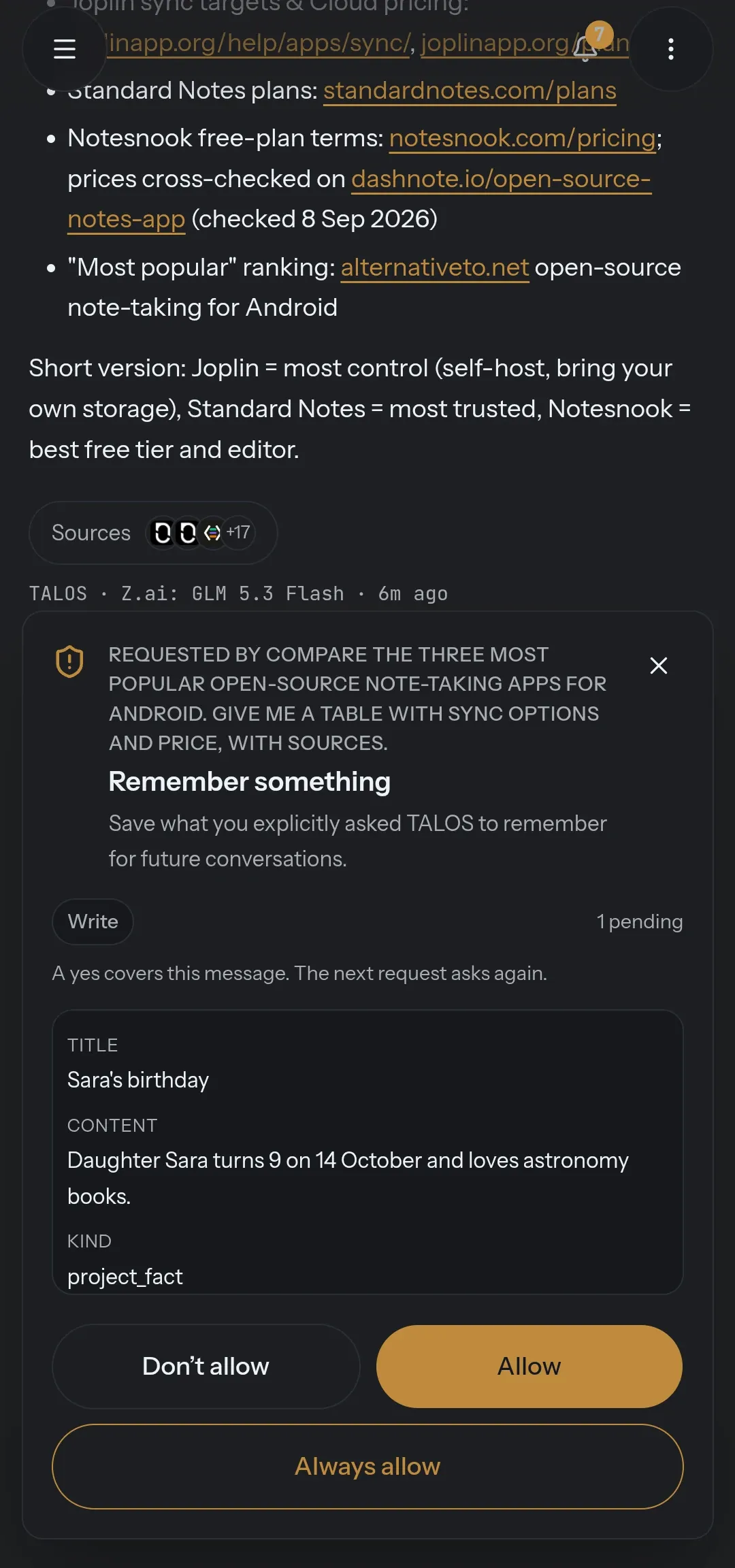
| Memory | Memory, with notes and tasks, kept by the workspace | — (sessions can be resumed and forked) | Typed personal and project memory; every write is a request you approve |
| Agents | Agents and verifiers, followed live as a graph | One coding agent; each tool allowed, asked or denied | One agent with 69 typed tools, each allowed, asked or denied, plus Code, a coding workspace with sub-agents |
| Research & library | Library and Deep Research | — | Web search, durable research runs and an on-device Library |
| Voice & device control | — | — | “Hey TALOS” wake word, dictation, replies in your own voice; acts on the device and inside other apps, optional ADB bridge |
| Works offline | With a local model: the network is used only for remote providers, web search and model downloads | With a local engine | With a local model: inference, wake word and your data stay on the device |
| Telemetry | None | None | No TALOS backend: conversations, memory and settings stay on the device |
A dash means the product's documentation for that version does not state it — not that it never will. Versions and requirements are read from the releases at every build.