The ForgeFor this device
All in one. Not only code.

Everything a developer needs — and a researcher. Fast, local, and on Windows.
- 01
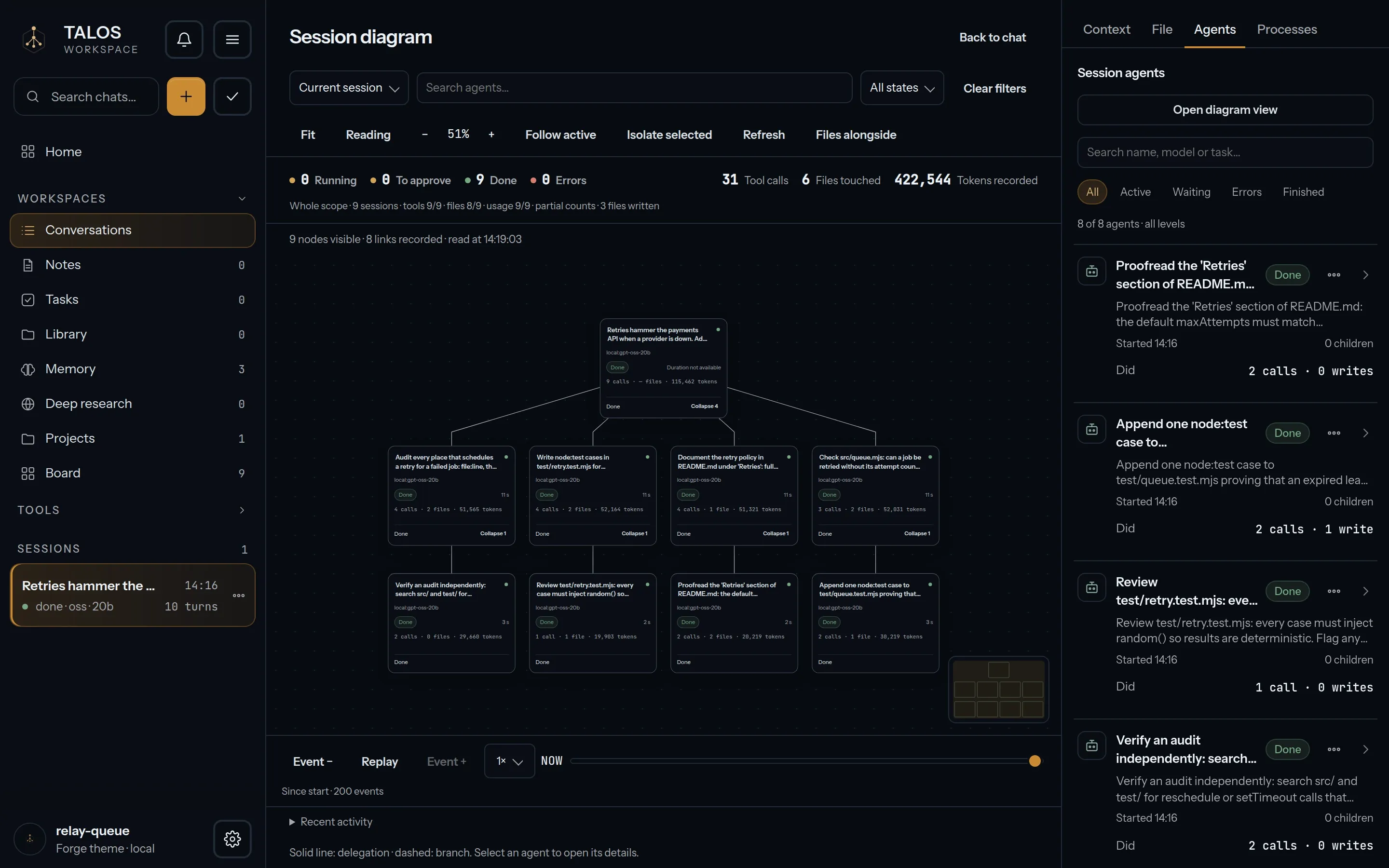
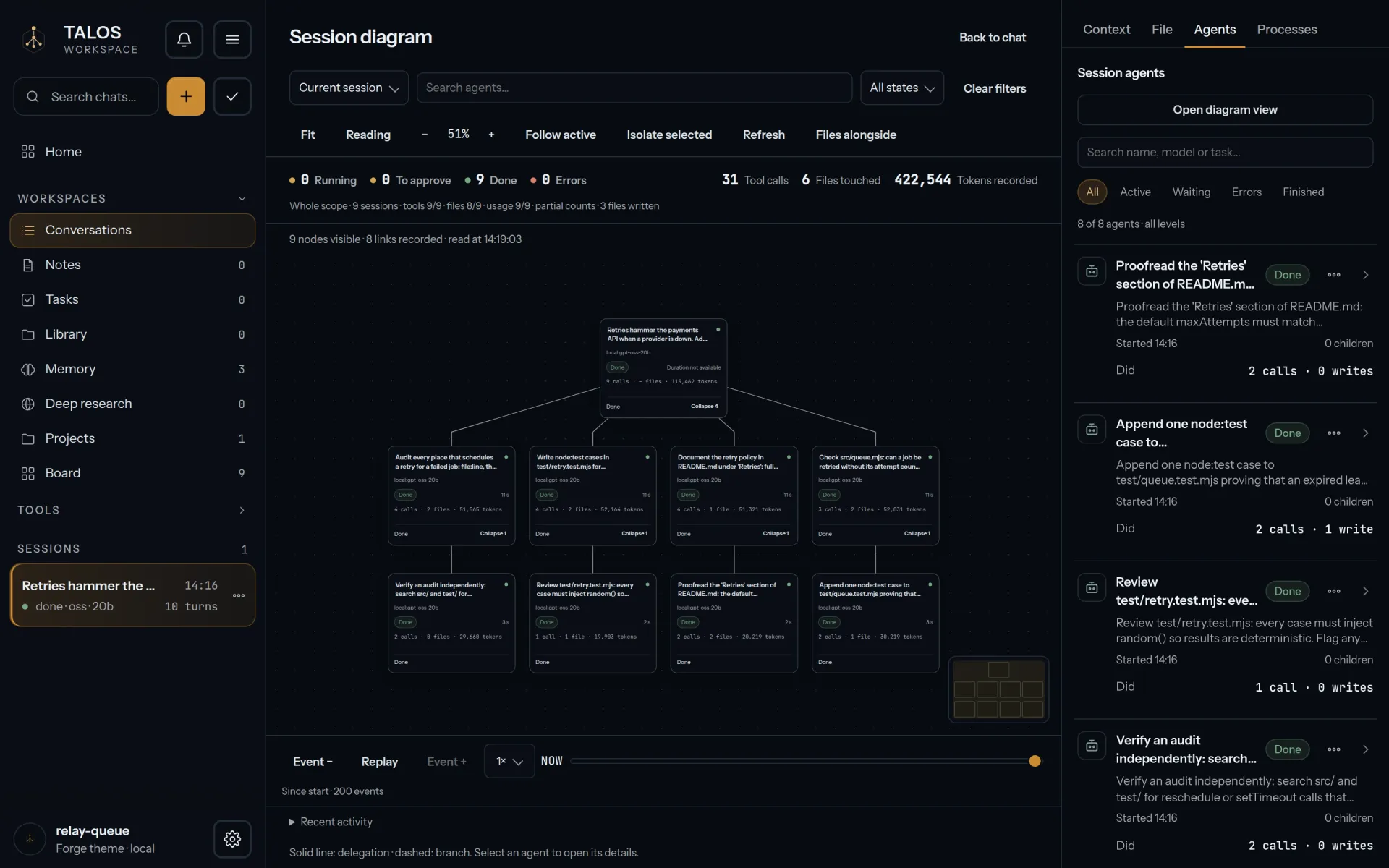
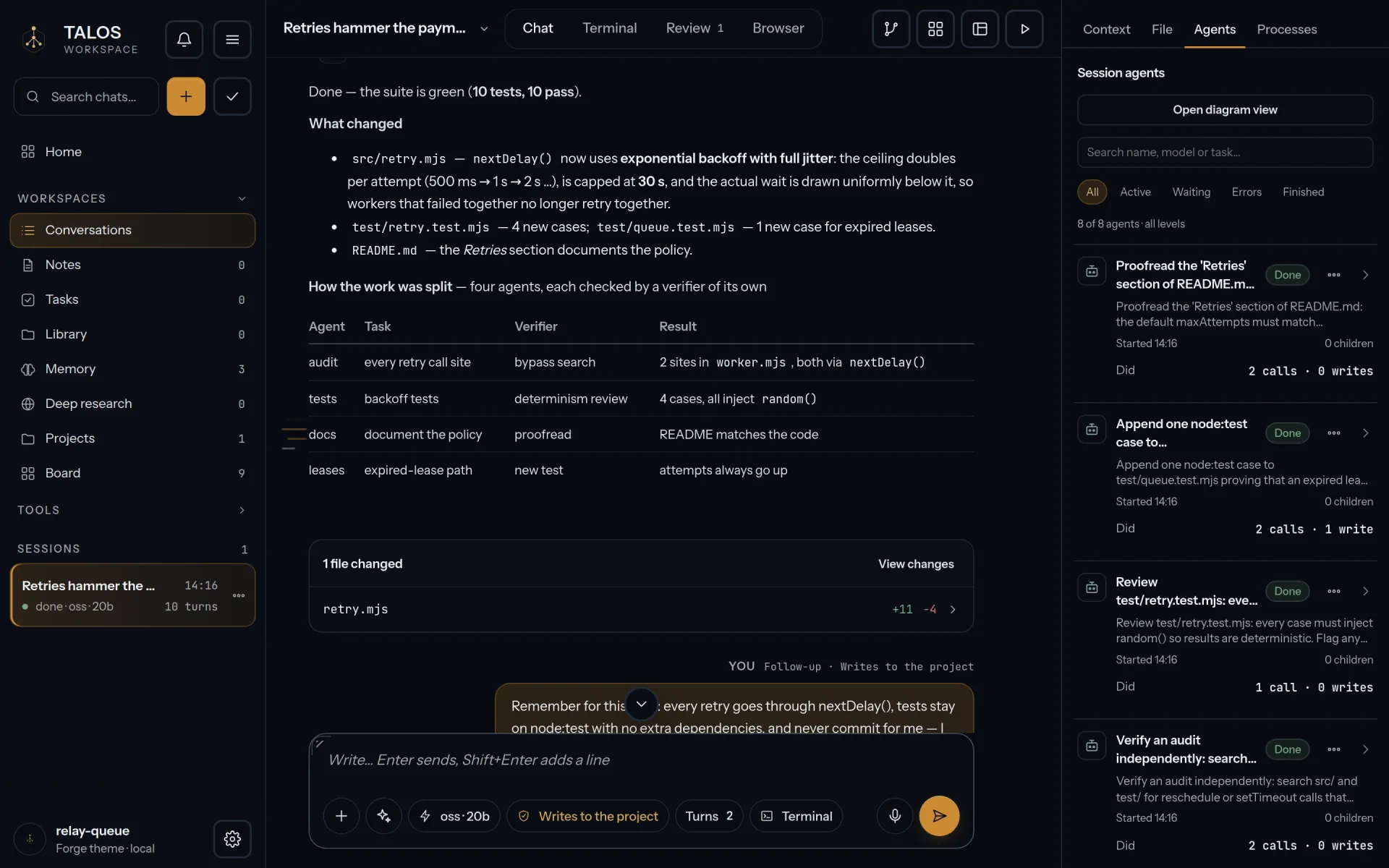
Agent graphs A session splits into agents and verifiers, and you follow the whole graph live.
- 02
Context, handled The context window is managed for you — compaction, a turn index, what stays and what goes.
- 03
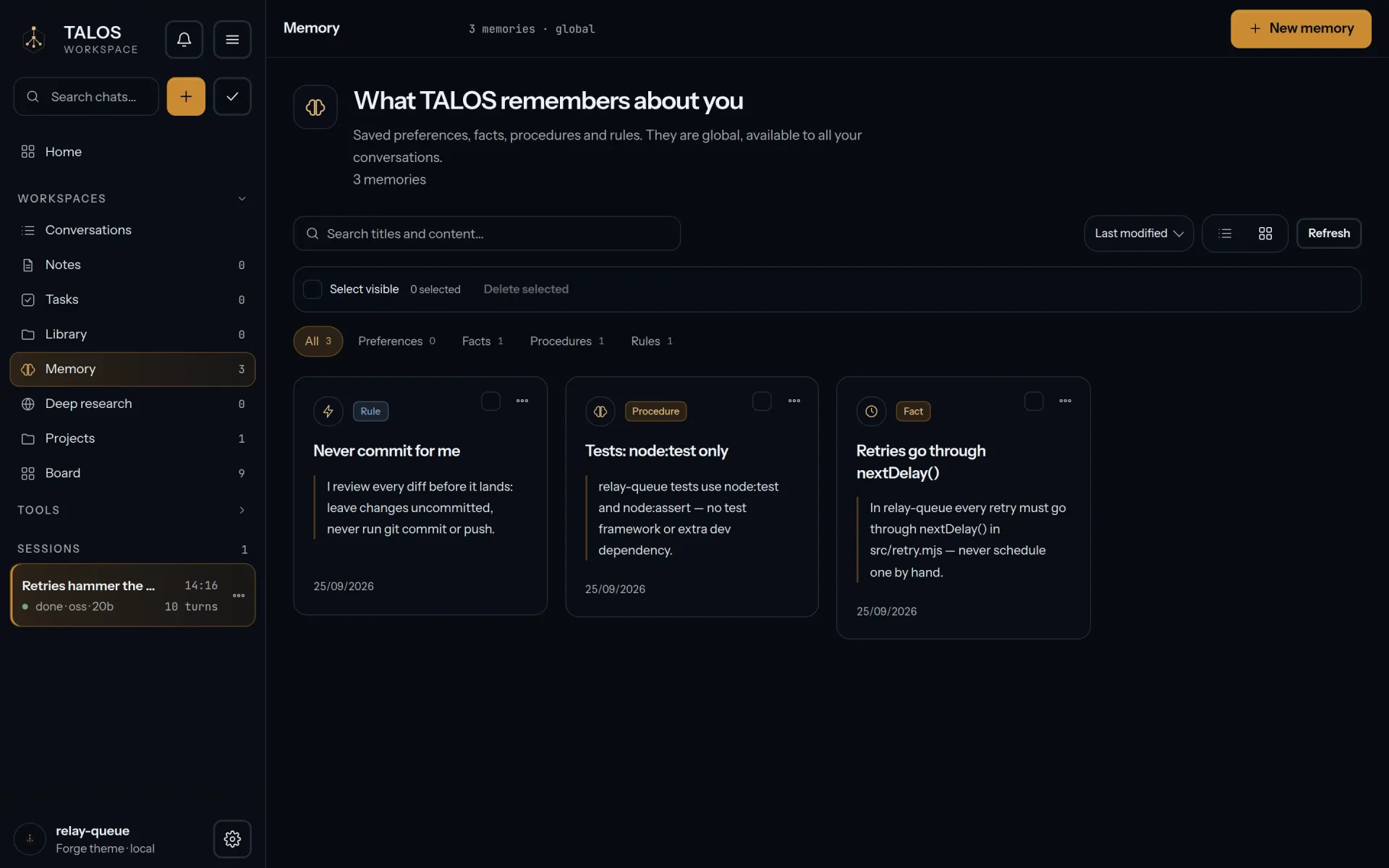
Memory Rules, procedures and facts the workspace keeps from one session to the next.
- 04
Library & Deep Research Your sources in one place, and research runs that read, compare and cite.
- 05
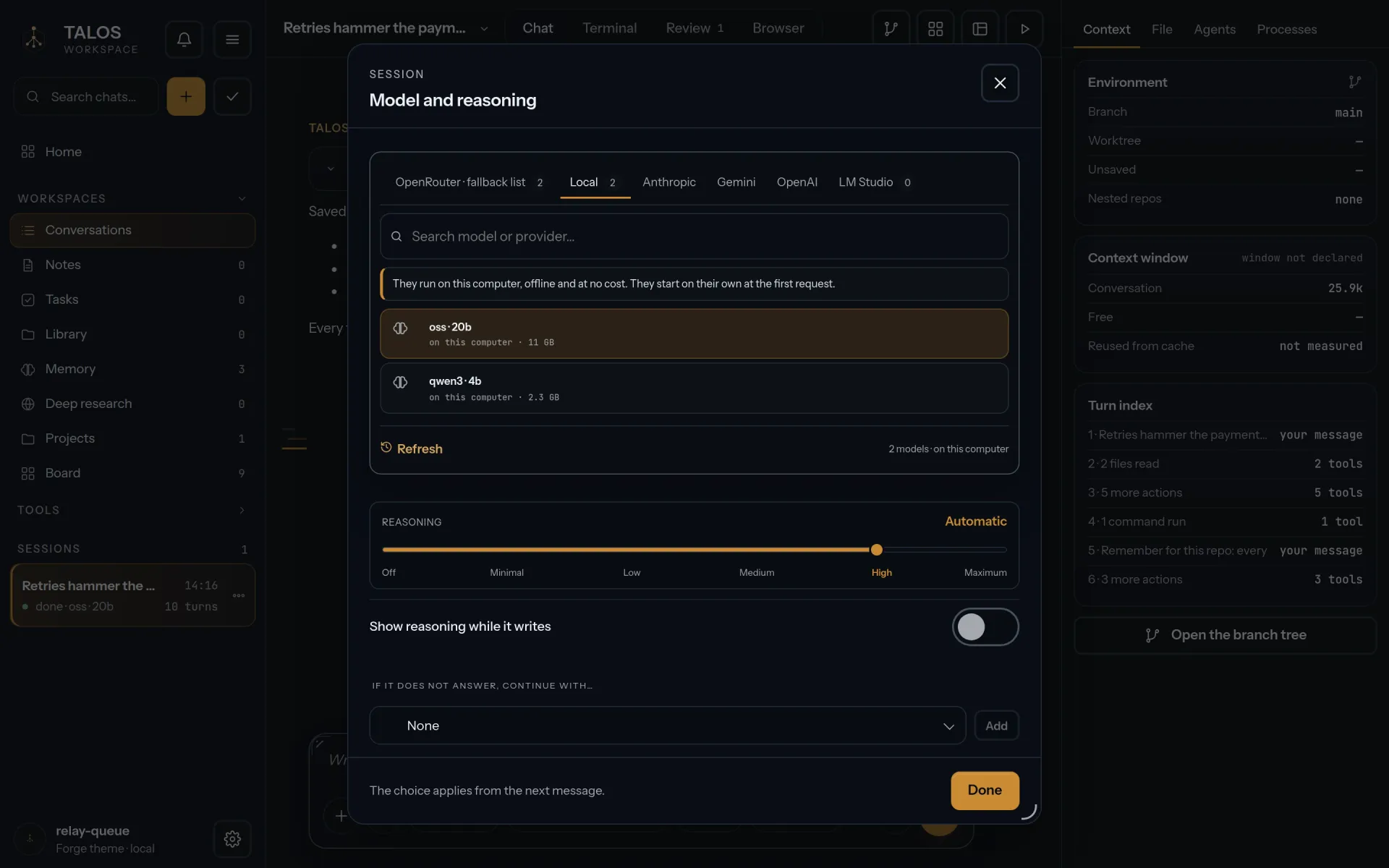
Local models A llama.cpp engine, CPU and Vulkan, in the package; GGUF models from Hugging Face download in the app, checksum verified.
- 06
Built for the work A real terminal, review of every diff, automations, hooks, MCP, skills and plugins — each tool allowed, asked or denied.
- Released
- Oct 9, 2026
- Runs on
- Windows 10 1809 or later, x64, or Windows 11 x64
- File
- TALOS-Setup-0.1.25.exe · 182 MB
The Procession
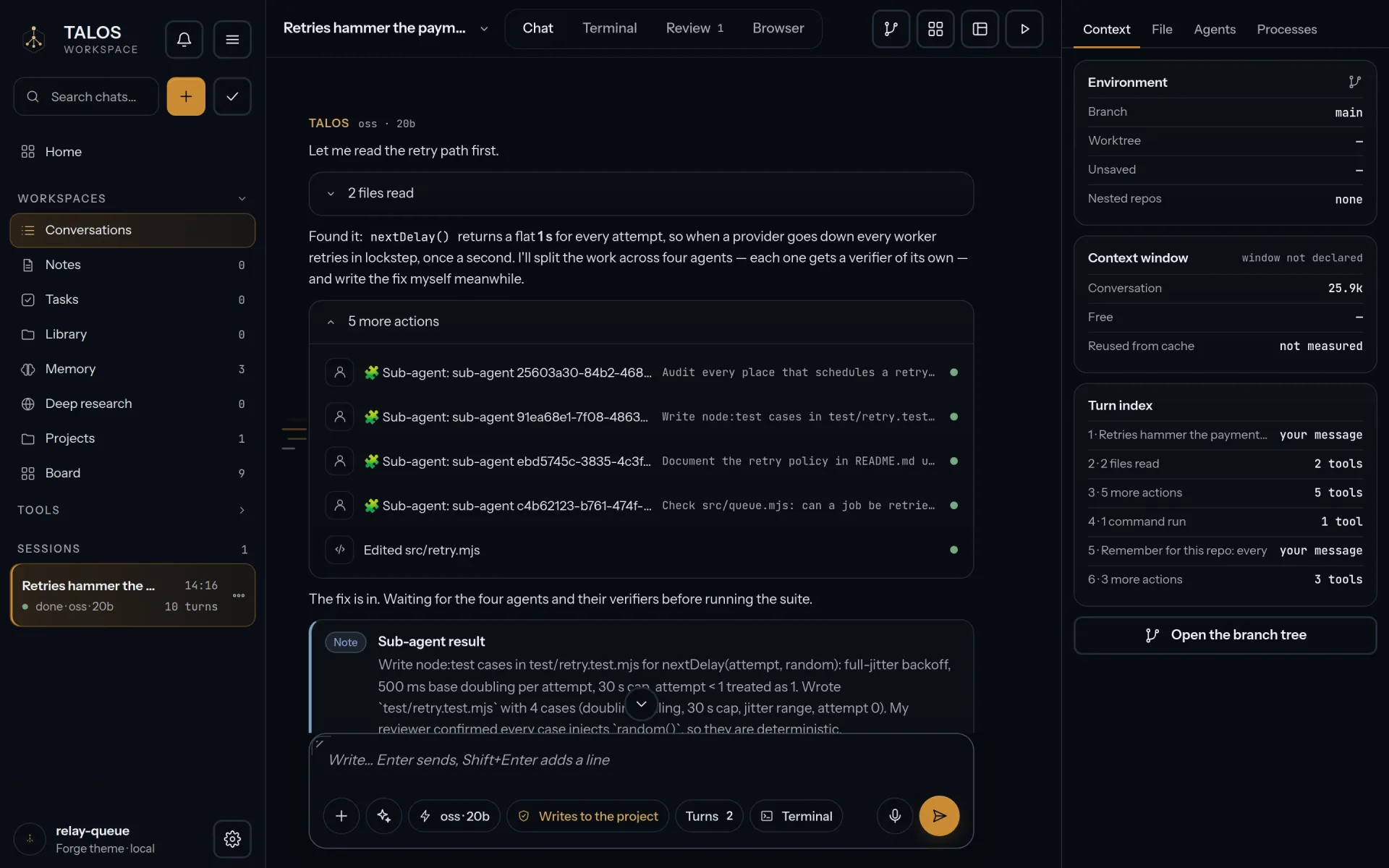
One session, screen by screen.
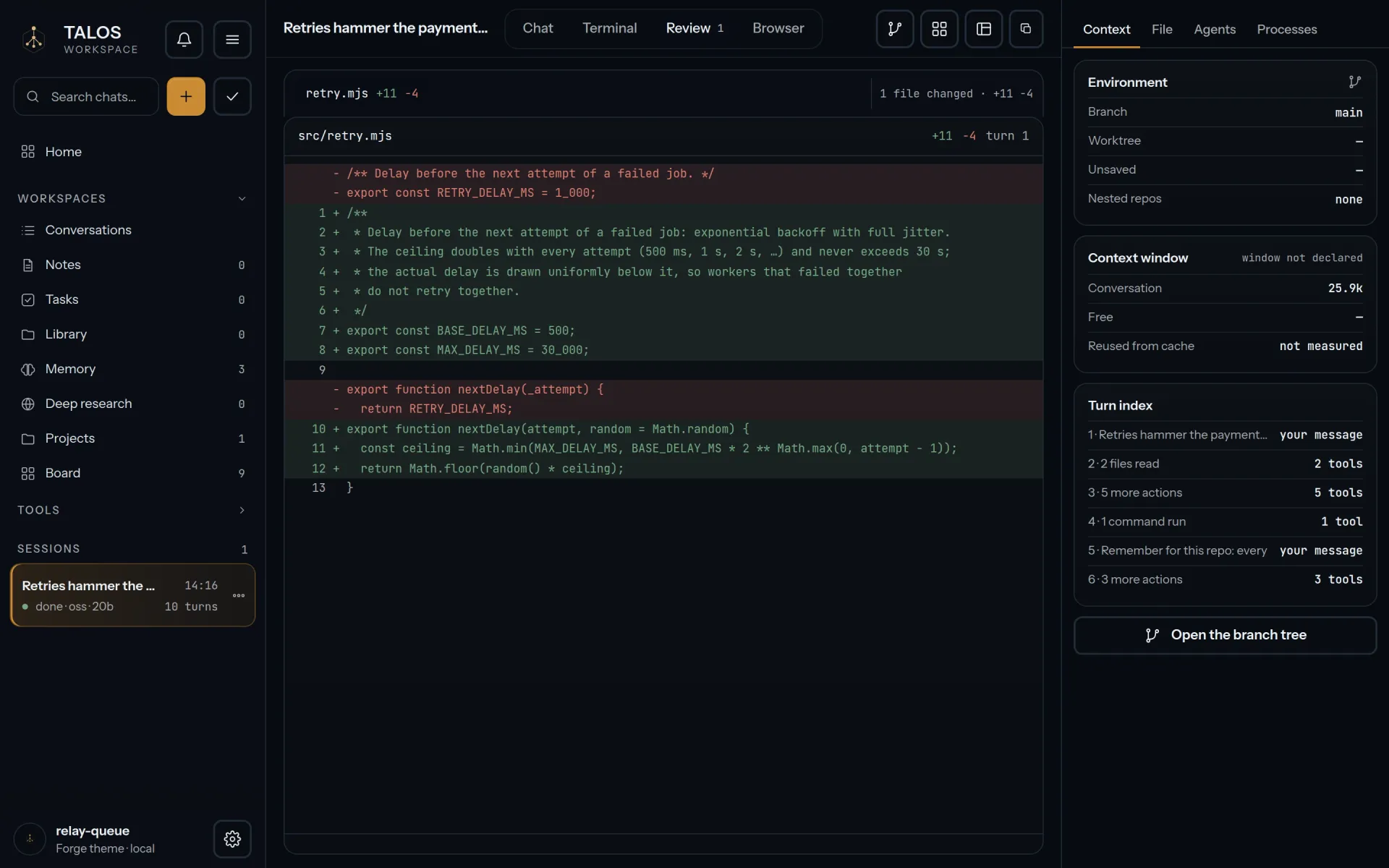
Six screens from one demo session. Open any of them at full size.
The Craft
How the forge works.
One window on your computer, a local service behind it, and every step on the record.
-
A window, and a service behind it.
The app is a window on the local TALOS service, which carries the agent kernel, the context engine and the llama.cpp engine. The service listens on this computer only, behind a session cookie.
-
Agents as a graph, context handled.
A request splits across agents, each checked by a verifier, and you follow the graph live. Memory, notes, tasks, a library and deep research belong to the workspace.
-
Every step on the record.
Each tool is allowed, asked or denied, and the Review shows the diff before you accept a change. Every session is a replayable event log, and every operation with side effects leaves a signed receipt.
The Foundation
What it stands on.
What it needs, what uses the network, and where your data lives.
- Runs on
- Windows 10 1809 or later, x64, or Windows 11 x64. Not yet tested on Windows 10.
- Needs
- Nothing else: Node.js is included, and no administrator rights.
- Graphics
- A Vulkan driver for GPU acceleration; without one, models run on the CPU.
- Models
- GGUF models download inside the app, their size and SHA-256 checked. None ship with the installer.
- Network
- Only when you choose a remote provider, search the web or download a model. No automatic updates, no telemetry.
- Your data
%APPDATA%\TALOS: sessions, models, notes, tasks, memory, automations, provider settings. Uninstalling keeps it; delete it yourself to remove everything.
The Oracle
Asked, and answered.
Questions about using it. For installing and checking the files, see Download.
Do I need an API key?
Not for local models: download a GGUF in the Model Lab and it runs on your computer. For a cloud model you bring your own key, for one of 23 providers.
Does it work offline?
With a local model, yes. The network is used only for remote providers, web search and model downloads.
Will it change my files without asking?
Only as far as you allow. Each tool is allowed, asked or denied, and the Review shows the diff of every change before you accept it.
Is it open source?
Yes, under AGPL-3.0-only, in the TALOS repository on GitHub. Third-party components keep their own licenses.
Is it finished?
Not yet. Version 0.1.x is early development: anything may change between releases. Each release says what is still being validated.
The Kin